5 MISTAKES REAL ESTATE PROFESSIONALS MAKE WHEN TAKING PROPERTY PHOTOS
Photos are often the first impression that a buyer has of a property, but unfortunately, sometimes the first impression isn’t perfect.
In our latest video, our co-founder Brad Filliponi outlines the five common mistakes that real estate professionals make when taking property photos.
Let's explore these missteps and how to avoid them to ensure your listings always include impeccable images.
5 Common Photography Mistakes Real Estate Professionals Make
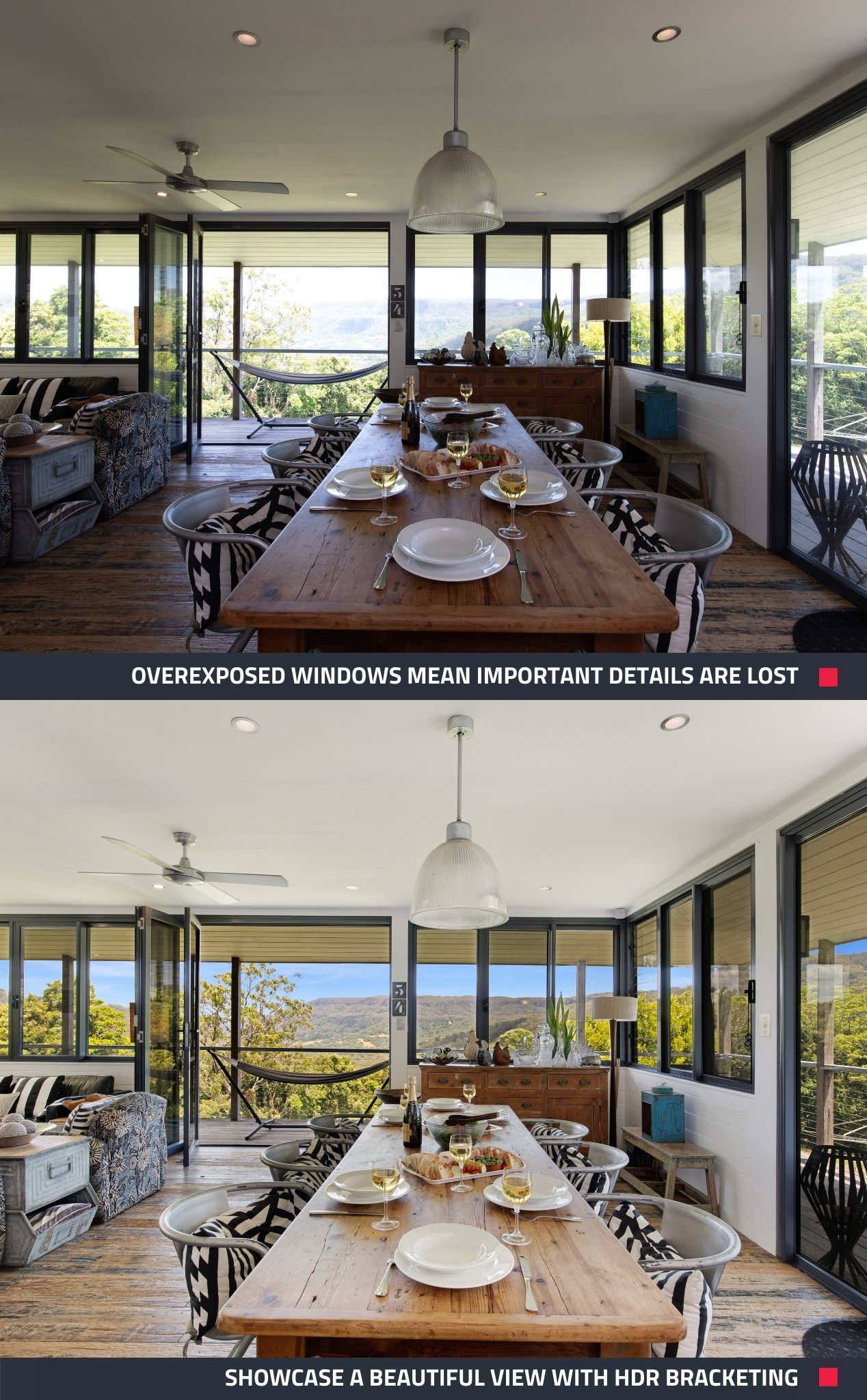
1. Not Using the HDR Bracketing Technique
HDR Bracketing is an important photography technique that many real estate agents overlook. It involves taking multiple shots of the same scene at different exposures and later blending them to create an evenly exposed image. Without it, detail in windows can be lost, which can be problematic, especially if one main selling point is a beautiful view.
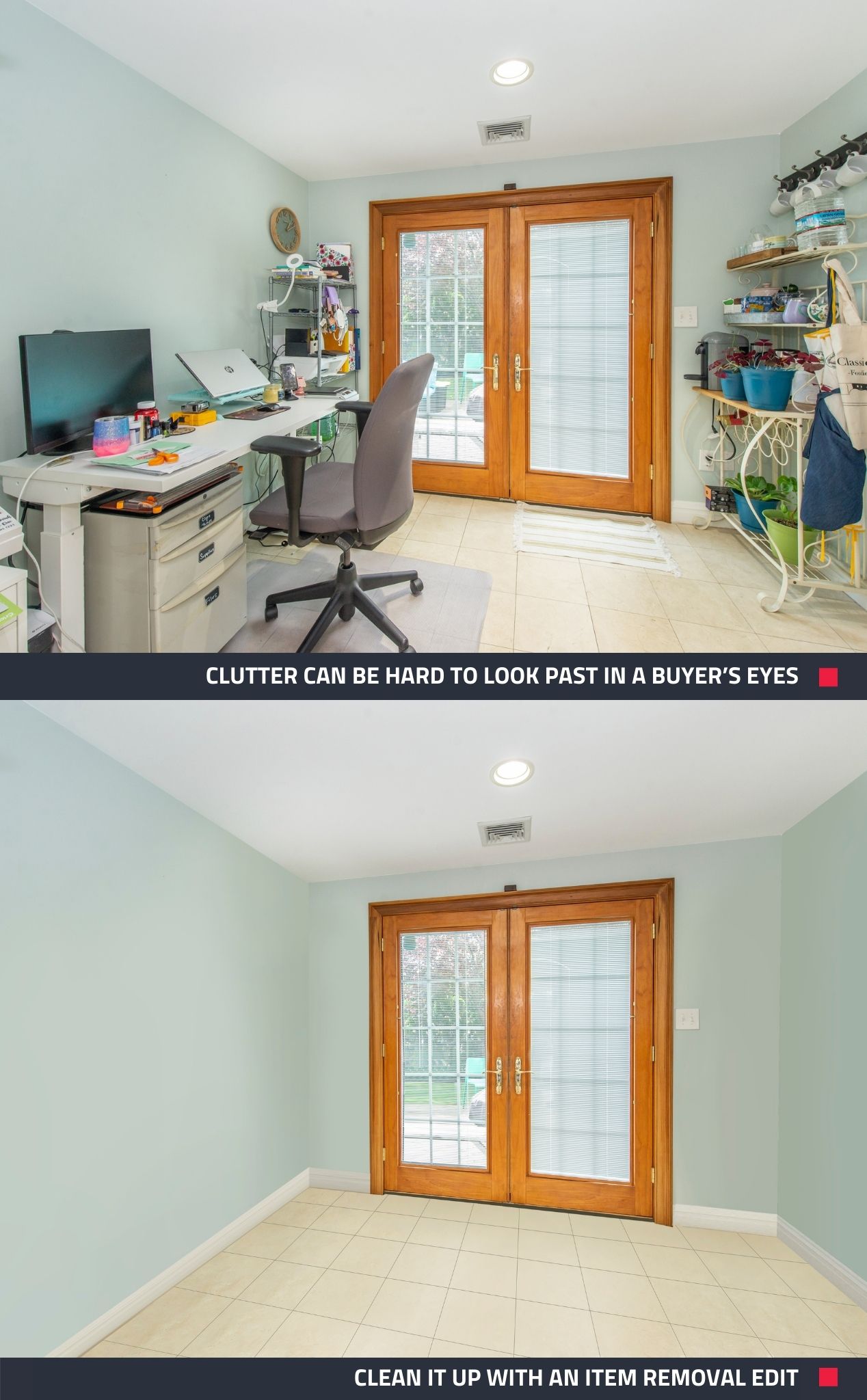
2. Capturing Cluttered Spaces
Let’s face it, clutter can be a turn-off for potential buyers and prevent them from seeing the property’s potential. Make sure you remove anything distracting from the shot, or if you forget, simply get it digitally removed from the final image.
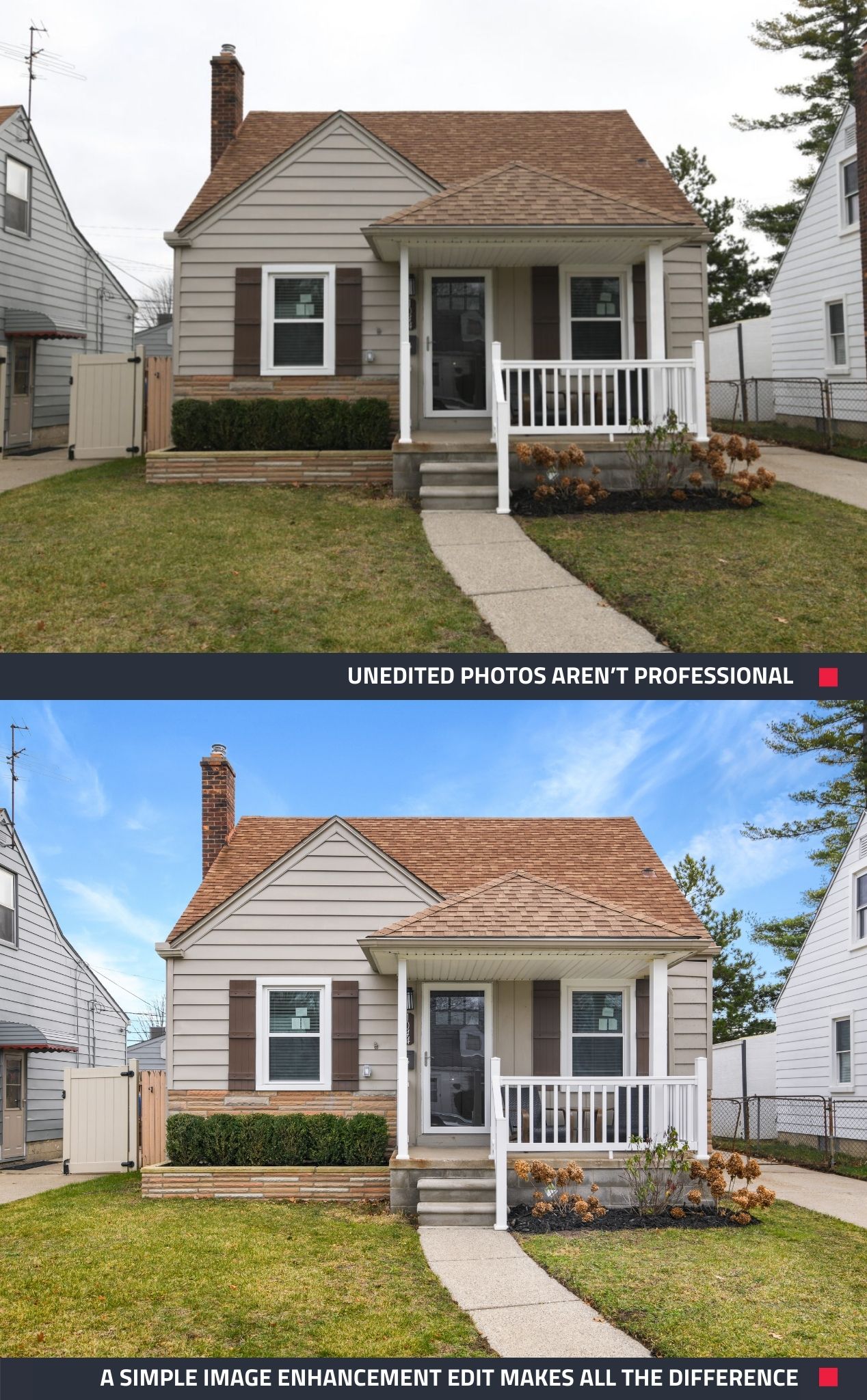
3. Not Getting the Photos Professionally Edited
It's impossible to achieve a polished, professional look without editing your photos. Plus, editing boosts accuracy in listings and ensures properties are portrayed as close as possible to how they look in real life.
4. Not Using a Wide-Angle Lens
Wide-angle lenses are essential for real estate; they capture more of a room in a single shot, providing a comprehensive view of the space. Wide-angle lenses can be purchased for DSLR cameras, but if you're using a late iPhone model to take your photos, chances are it's equipped with a built-in wide-angle lens.
5. Taking Too Few Photos
When taking property photos, more is often better than less. Having a surplus of photos allows you to select the best shots for each listing, ensuring you emphasize the property's features and create a captivating listing. It’s easier to take more photos when shooting rather than returning to the property later to reshoot.
New to BoxBrownie.com? Sign up now to receive 3 Image Enhancement edits, 1 Day to Dusk edit, and 10 AI-written listing descriptions, all for free! No credit card is required.
RELATED ARTICLES

Prepare to sell your home! Literally. If you don’t properly prepare your home for that crucial day when the real estate photographer shows up, you could be short changing yourself when it comes to the sale price of your home or time on the market.
READ MORE
You don't need to wait for ideal weather to shoot a property. Learn these simples tips for shooting in wet weather.
READ MORE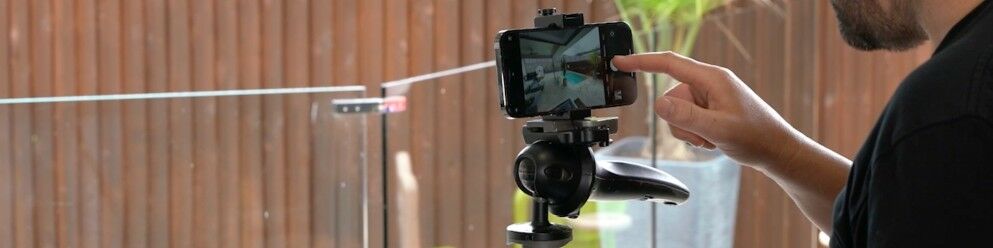
Worth the upgrade? If you shoot your own listing photos and are thinking about an iPhone upgrade, see how the cameras on the two models measure up while we demonstrate how you can get top-quality imagery for your property listings.
READ MORE
It can be difficult to keep up to speed with the speed of technology. Perhaps nowhere is this more evident than in the realm of real estate photography. In this article, we examined the top four Google search returns for the query “how to take a real estate photo”, and found, in each case, that the results Google came up with were well past their use-by date.
READ MORE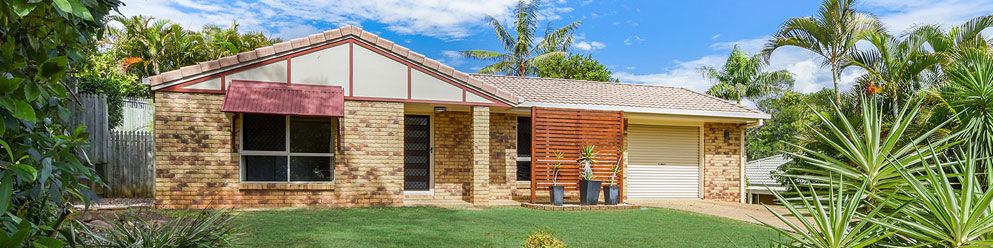
Want to learn how to shoot real estate like a pro? What about learning how to shoot a property in under 7 minutes? In this article, world class real estate photographer Brad Filliponi shares some of his tips on how to help shoot and sell property faster!
READ MORE
Discover how Tom Lyons and his team are transforming property marketing in Belleville, Ontario, with SnapSnapSnap. By capturing stunning HDR images directly from a phone, they’re saving time, reducing costs, and delivering exceptional service. Read now!
READ MORE