MASTERING REAL ESTATE PHOTOGRAPHY: 10 EXPERT TIPS REVEALED
Want valuable insights designed to elevate your photography prowess and ensure your images shine amidst the competition? Dive into this blog for 10 expert tips on effortlessly capturing compelling real estate photos.
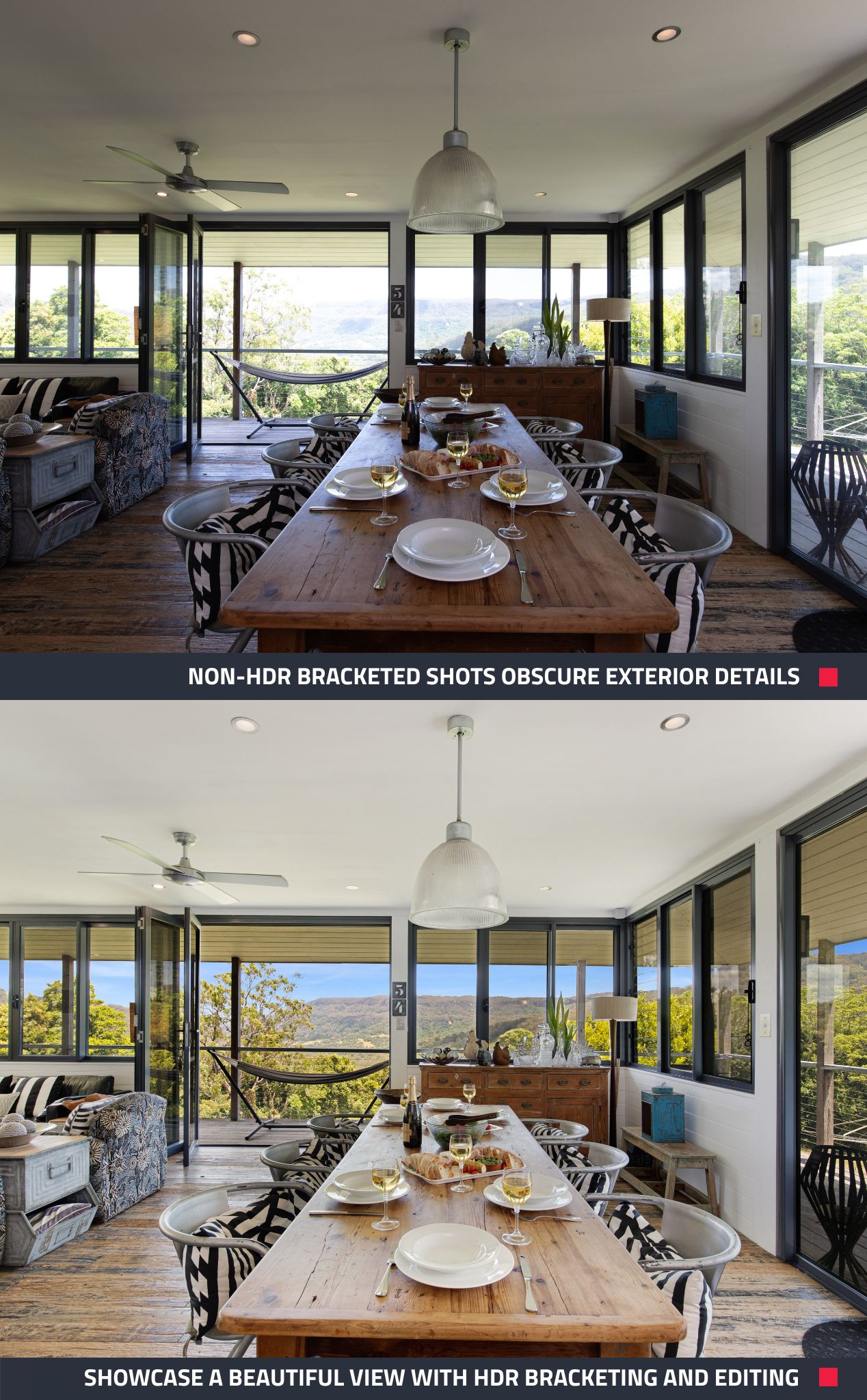
1. Take Photos Using HDR Bracketing
HDR Bracketing involves taking multiple exposures of the same scene and blending them into a single image during editing. It ensures the entire image is balanced and every detail is visible. Not sure how to bracket your photos? Don't worry, apps like SnapSnapSnap can automate the process for you.
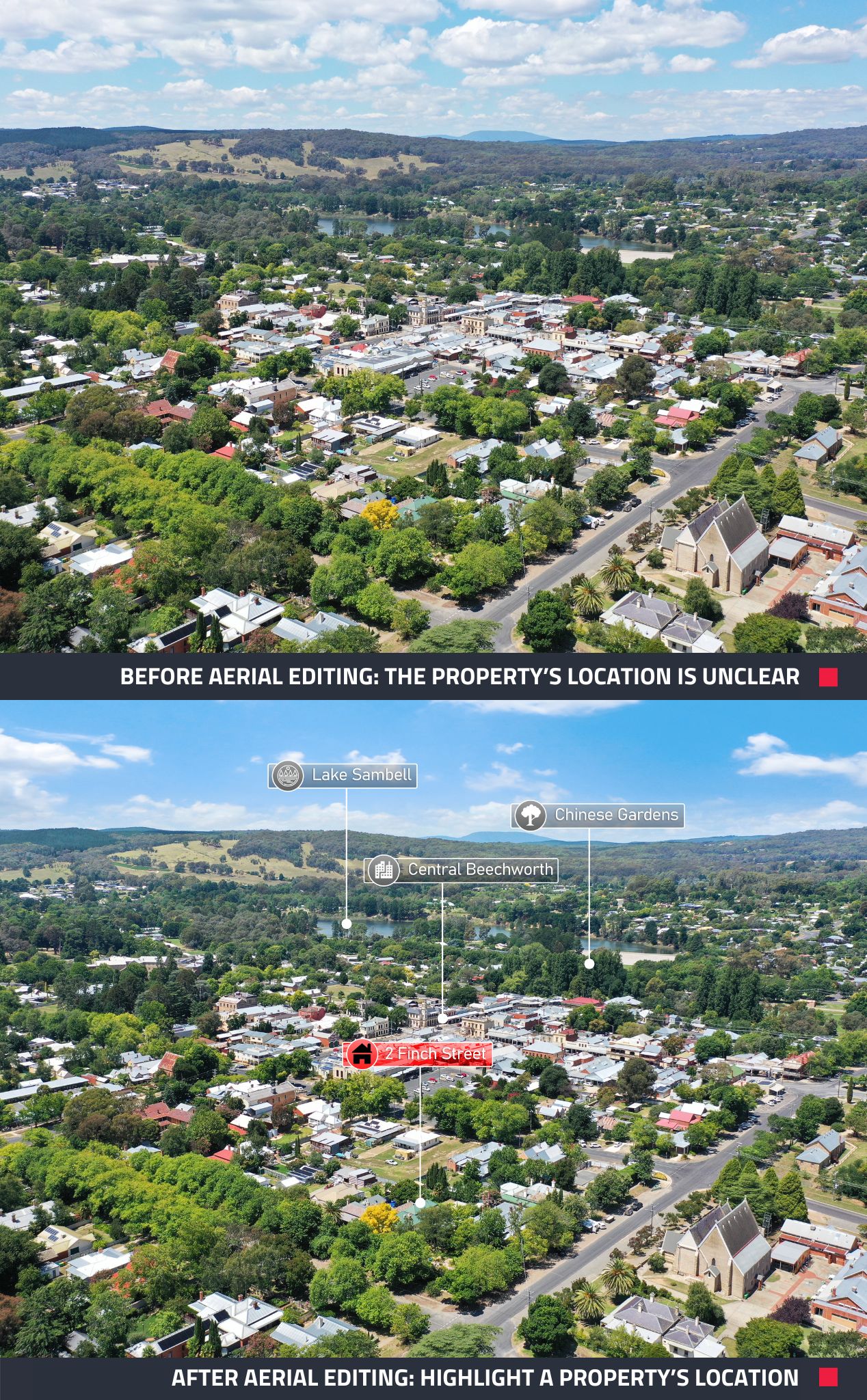
2. Harness the Power of Aerial Photos
Aerial views provide a unique perspective and showcase the property's surroundings, such as nearby amenities and lot size.
3. Turn All Lights On
Turn on all lights including ceiling lights and lamps, to brighten up your shots. Lighting plays a crucial role in highlighting the property's features and creating an inviting atmosphere.
4. Embrace Virtual Tours
Virtual tours offer potential buyers an immersive experience, allowing them to explore the property from the comfort of their own home. Utilize a 360° camera to capture the photos for an engaging virtual tour.
5. Open All Doors for Welcoming Shots
Open all doors to create a sense of space and flow in your photos.
6. Include a Floor Plan
Buyers value the visual layout of a property, so ensure your listing includes a professional Floor Plan to provide a comprehensive view of the space.
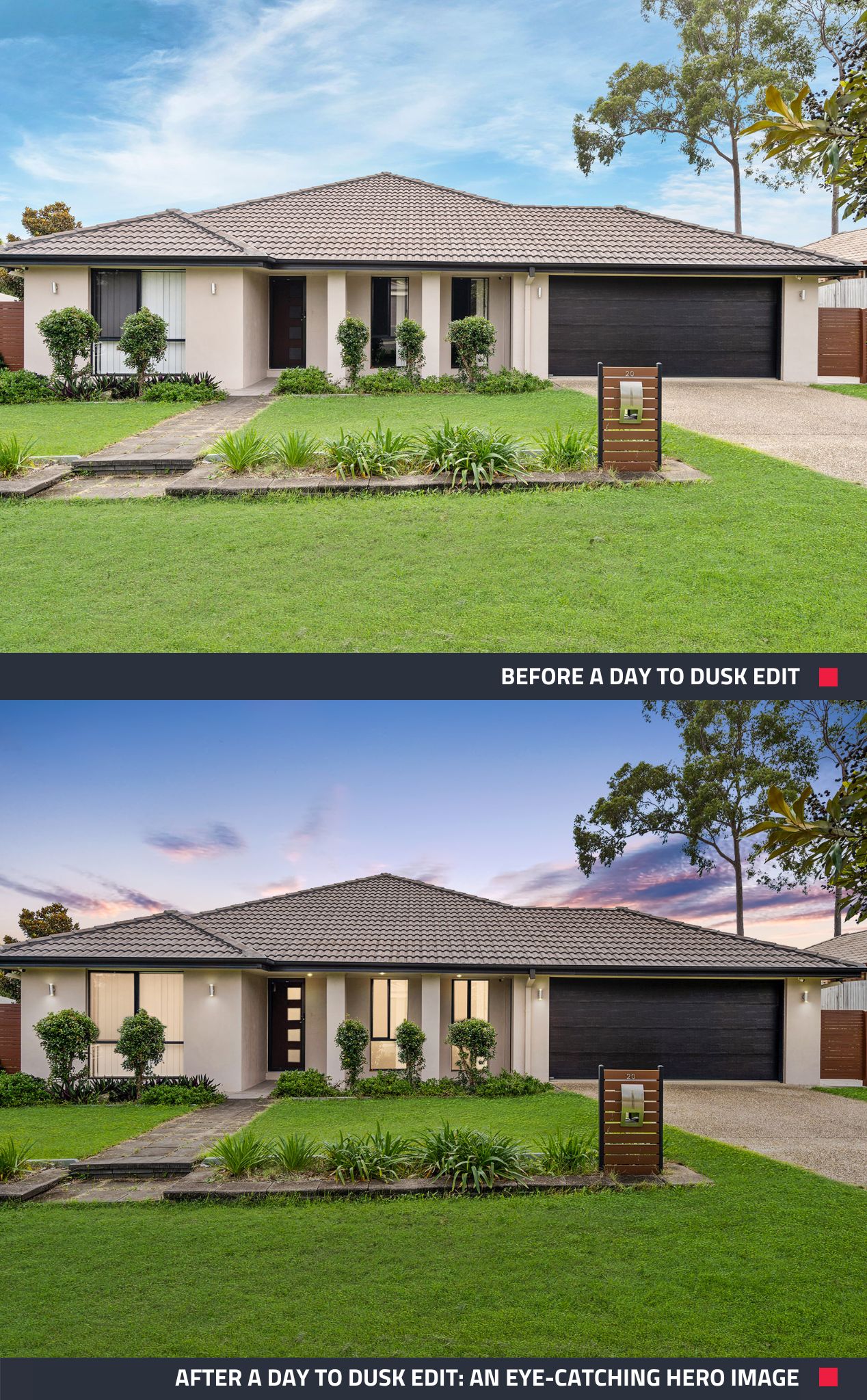
7. Enhance Your Hero Image
Make every buyer or renter’s first impression of your property count by capturing a stunning dusk shot that grabs attention and entices them to explore further.
8. Turn Off Ceiling Fans
Turn off all ceiling fans before shooting to ensure the clarity and professionalism of your images.
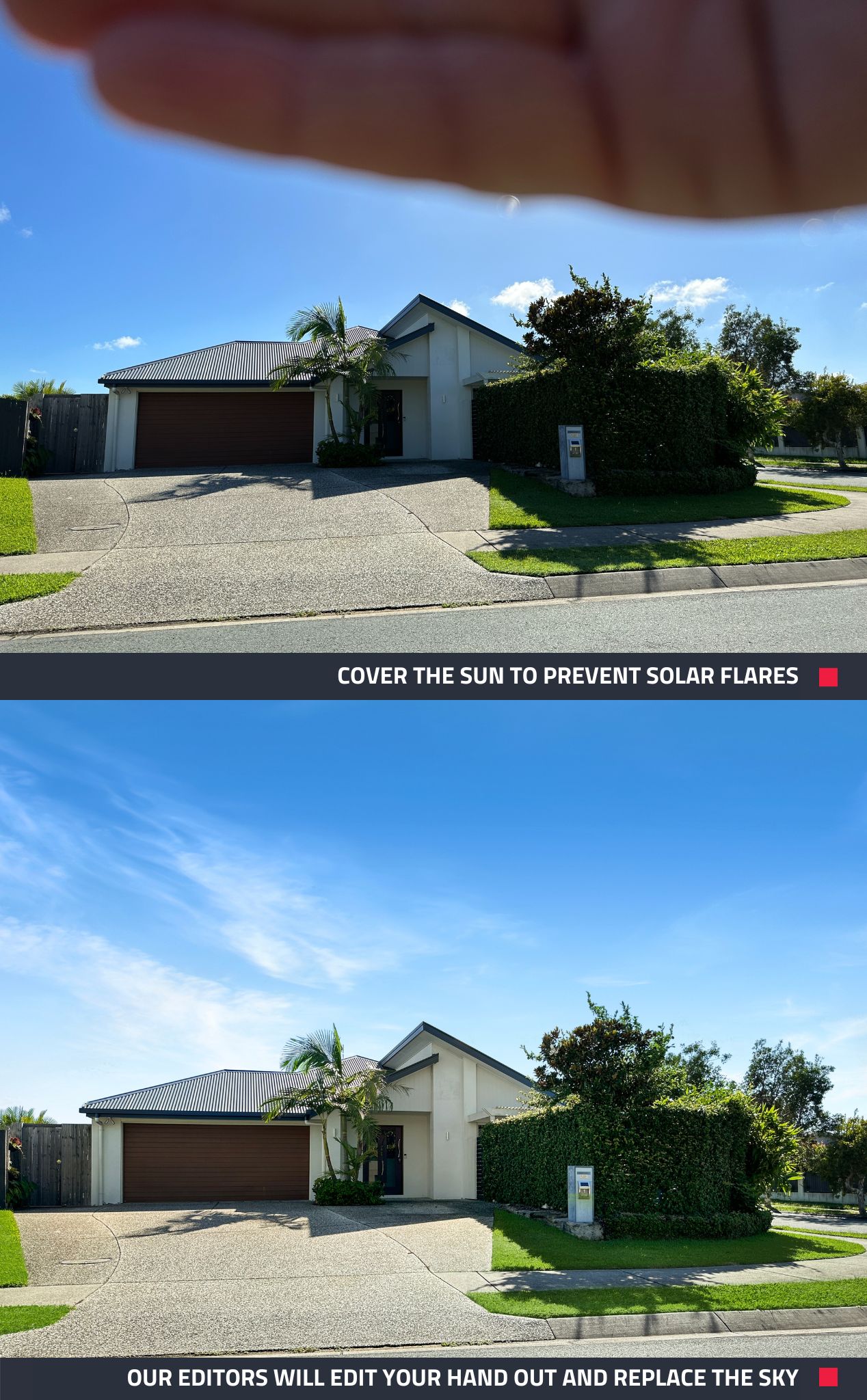
9 . Manage Sunlight in Exterior Shots
When taking exterior shots facing the sun, cover the sun with your hand to prevent solar flares from appearing in your photo. Our expert editors will seamlessly edit your hand out of the shot with our Image Enhancement edit.
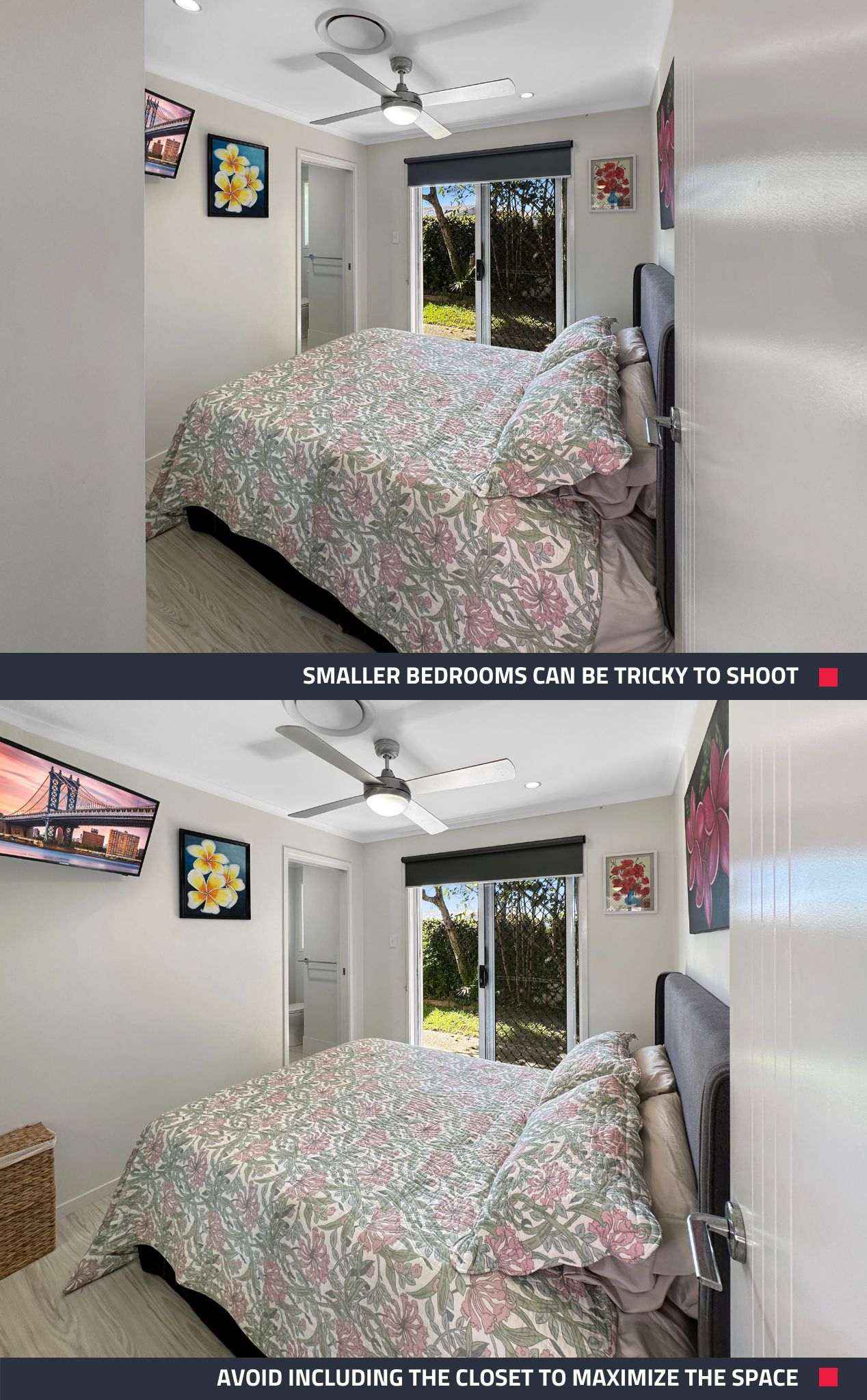
10. Avoid Shooting Bulky Closets
When photographing smaller bedrooms, eliminate bulky closets from your shots to showcase the full space.
Capture Photos Like a Pro with These 10 Tips
Empower yourself to capture stunning real estate photography with these 10 tips. If you're ready to take your photos to the next level, sign up to BoxBrownie.com now and receive 4 edits for free. No credit card is needed.
RELATED ARTICLES

Get your team 2026-ready with our free property marketing training! We tailor each session to your team’s needs — from cost-effective photography that streamlines your marketing to creating listings that stop the scroll. Save time, boost results, and start January strong.
READ MORE
Discover how Ryan Shields replaced slow, expensive photography workflows with SnapSnapSnap and BoxBrownie.com, achieving faster turnaround times, lower costs, and consistently polished listing photos.
READ MORE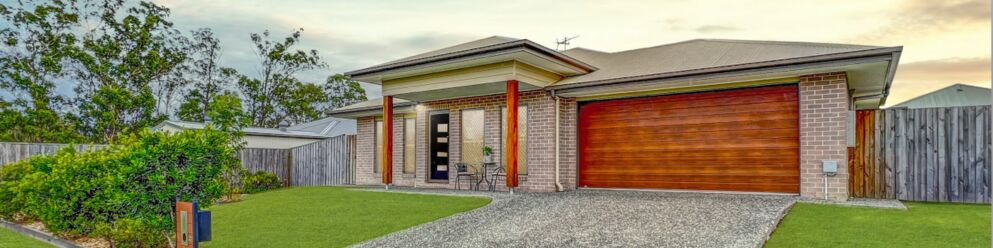
Attention to all real estate professionals who prefer the DIY approach when it comes to property photos! Check out this blog for five simple tips that you can start using today to take your real estate photography from good to amazing.
READ MORE
Want more Airbnb bookings without breaking the bank? Our latest video reveals how to capture stunning listing photos using just your phone and create professional floor plans. With expert tips from Brad, marketing your Airbnb is now easier than ever.
READ MORE
Want to market your property like a professional but can’t find (or get access to) a good photographer? Or maybe you're looking for an innovative way to take real estate photos whilst saving a few dollars... Well, get excited cause today, we’re going to teach you how to shoot real estate like a professional using only your smartphone!
READ MORE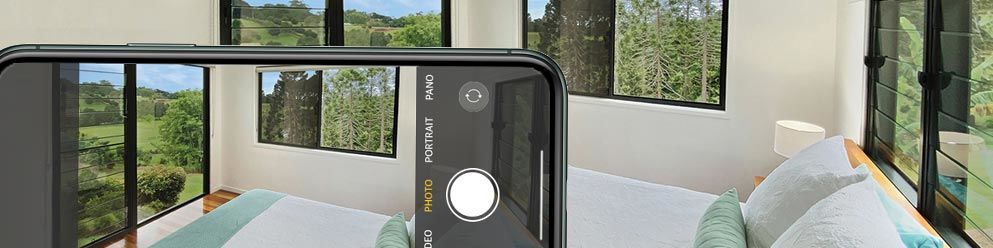
Looking for an innovative way to take your property marketing to the next level without breaking the bank? The new iPhone 11 is amazing and in this blog we are going to show you our top tips to professionally shoot your next real estate listing without the need for bulky and expensive camera equipment.
READ MORE