VIRTUALLY STAGE LISTINGS LIKE A PRO USING JUST YOUR IPHONE
Ever wished you could stage an empty property without renting furniture or hiring a crew? You can! Transform bare rooms into beautifully styled spaces in minutes — all from your phone.
In this video, our co-founder Brad Filliponi takes us behind the scenes to show exactly how to turn an empty room into a fully staged, inviting space. The goal? To show how simple Virtual Staging can be with SnapSnapSnap — from snapping your photos to the final professionally styled results — helping your listings stand out online.
We’ll guide you from start to finish, showing how to create stunning virtually staged images right from your phone using the SnapSnapSnap app with our Image Enhancement and Virtual Staging tools.
Step 1: Start with a Clean, Well-Lit Room
Before taking your photos, be sure to prepare the space for a photo shoot. Turn on ceiling lights, open doors or blinds to let in natural light, and ensure all fans are turned off. A little extra brightness helps create a warm, inviting atmosphere and ensures your final staged images look realistic and appealing.
Brad’s simple tips for photographing empty spaces will help you capture clear, well-composed shots that deliver the best results for Virtual Staging — leaving the final transformation to professional editors.
Step 2: Capture Your Photos with SnapSnapSnap
Once your room is ready, open the SnapSnapSnap app and line up your shot. Our app automatically captures multiple exposure brackets in just one click, giving you perfect lighting every time, even in tricky conditions.
No extra gear or DSLR camera is needed — just your iPhone and a tripod. It’s simple, fast, and effective.
Step 3: Let Image Enhancement Work Its Magic
After snapping your photos, upload them for editing through the app and select Image Enhancement.
Click “Select All” to apply our 17-step enhancement process to every image. This automatically adjusts brightness, color, and perspective, giving your photos a polished, professional finish — ready for our Virtual Staging edit.
Step 4: Add Stunning Virtual Staging
Now for the Virtual Staging! Select the photos you would like to virtually stage, choose a furniture style (in this video, Brad opted for Hamptons style), and select the room type (like Living Room, Bedroom, or Outdoor Living).
As Brad explains, “First, I’m going to click 'Image Enhancement' — we want to blend all these images together and get the best baseline for our editors to add the digital furniture.”
You can leave notes or markup images if you have specific requests, but if not, our design team will handle everything.
Once your selections are set, double-check that both Image Enhancement and Virtual Staging are selected, then hit “Complete Order.” That’s it — your photos are on their way to being transformed!
Step 5: Sit Back and See the Transformation
Within 48 hours, your virtually staged images are ready to use across listings, websites, or social media.
Here are the virtually staged images Brad received:
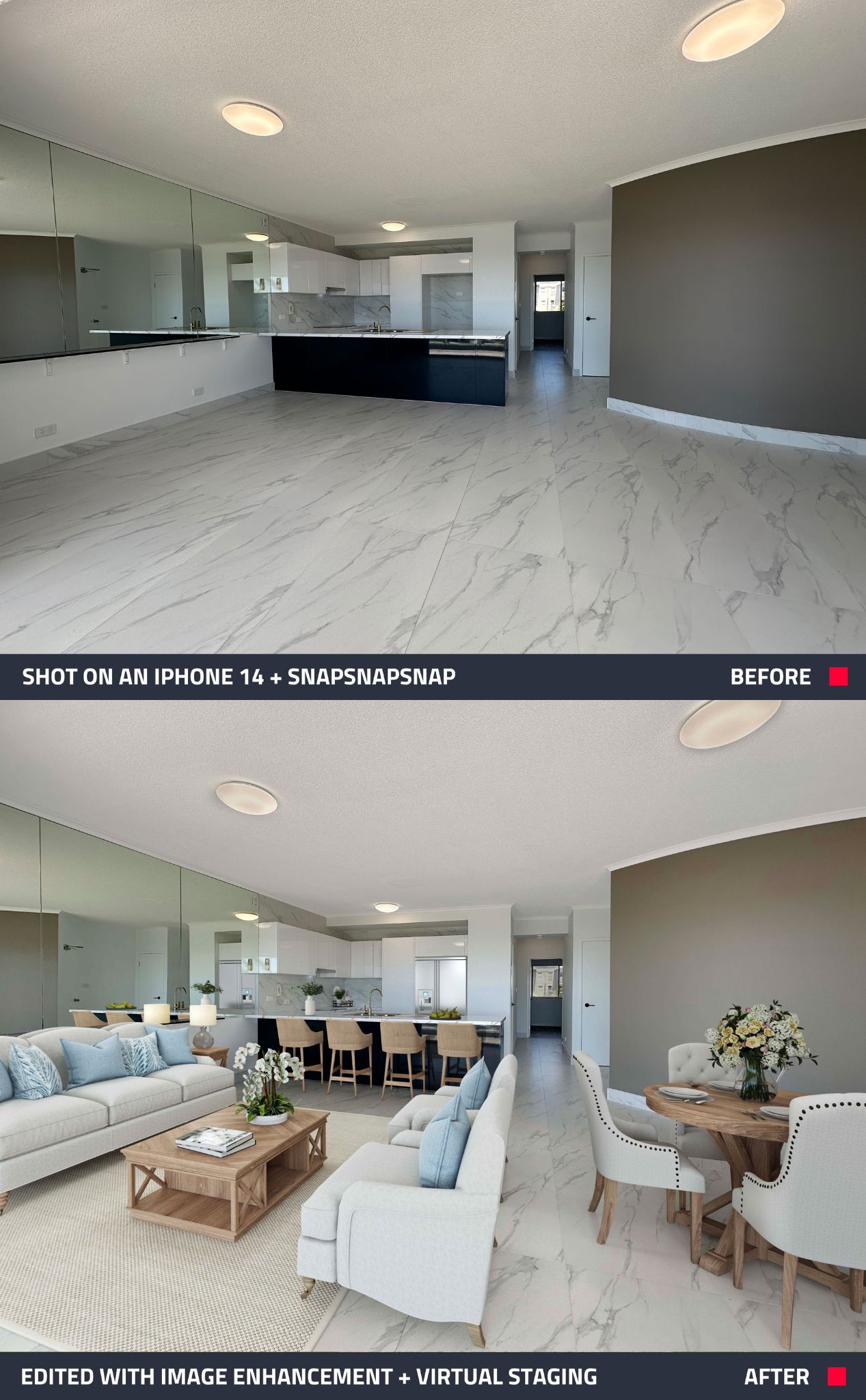
- Living Room: Once empty, now beautifully styled with a sofa, rug, and decor.
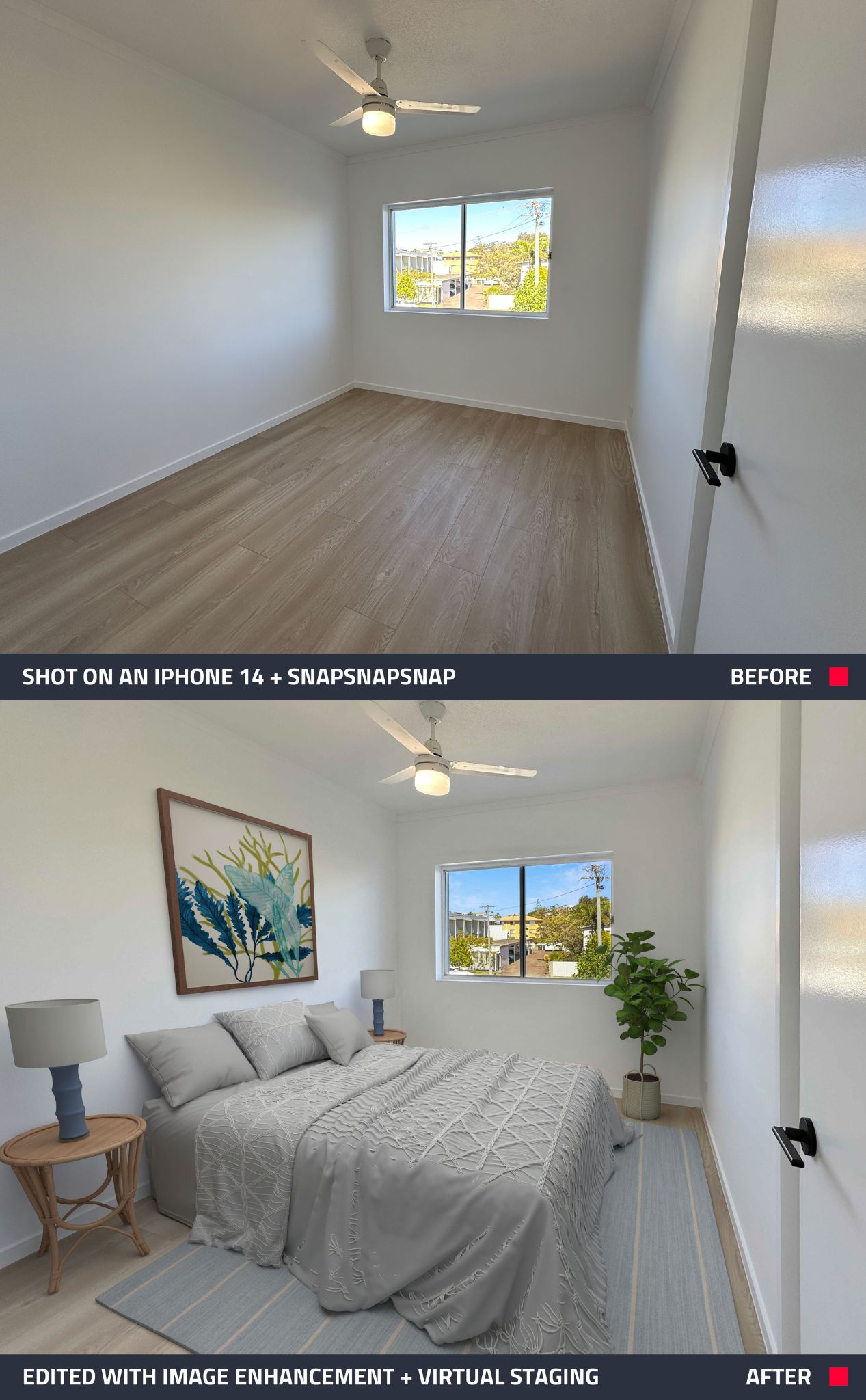
- Bedroom: A blank space turned into a cozy, inviting retreat.
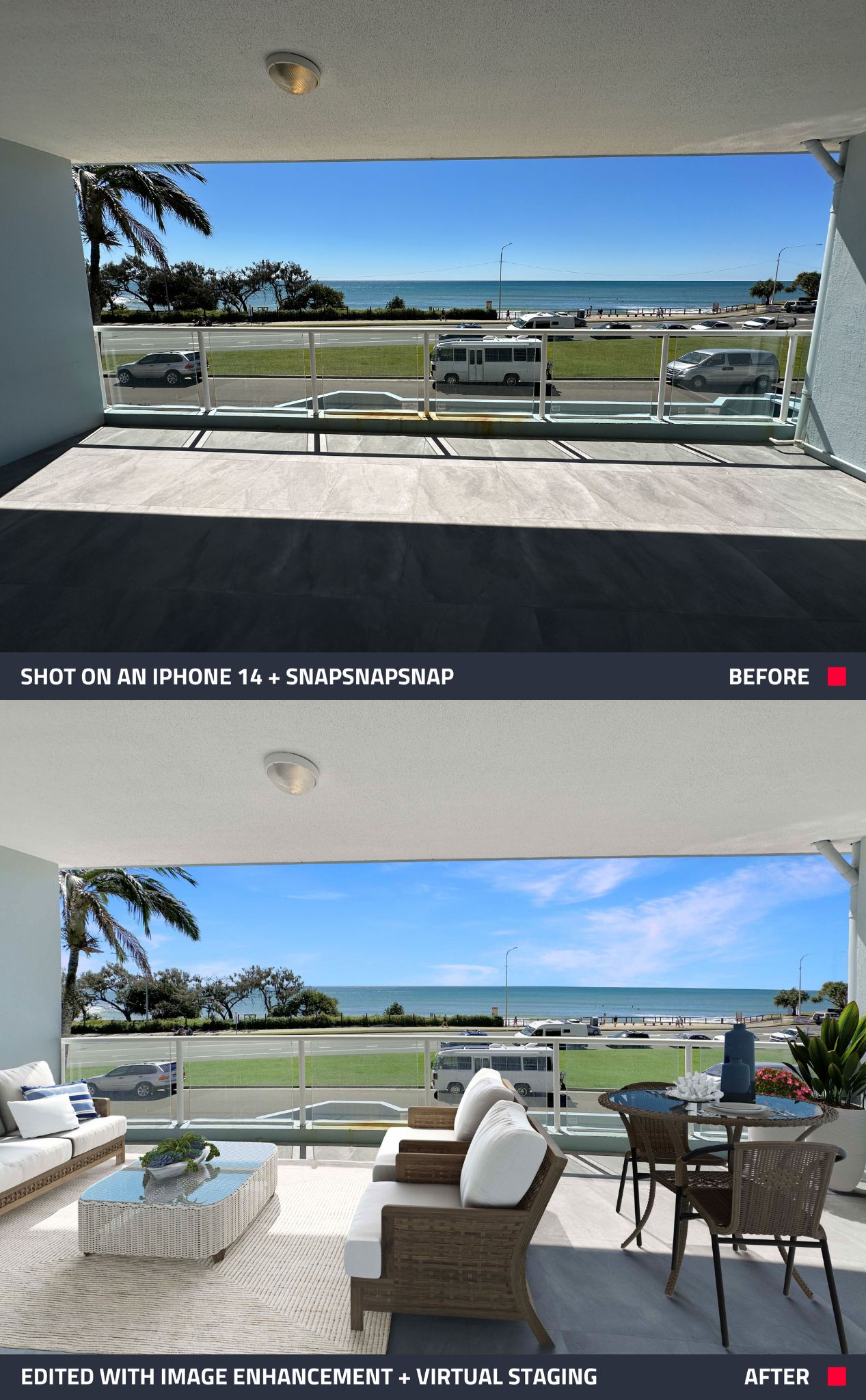
- Outdoor Area: A bare patio transformed into a perfect entertaining space.
The difference is instant — and the results speak for themselves.
Why Virtual Staging Works So Well
Virtual staging makes it easy for buyers and renters to see a property’s full potential, helping them connect with your listing faster. With SnapSnapSnap, capturing and uploading your images is simple — all straight from your phone.
As Brad mentions in the video, “If you haven’t tried this app, it’s a game changer.”
No expensive cameras, no complicated setups, and no technical skills required. Just snap your photos, upload them, and let our professional editors handle the rest.
If you haven’t tried Virtual Staging yet, now’s the perfect time. Instantly transform empty rooms into beautifully styled spaces — and new users even get four free image enhancement edits to get started.
Download the SnapSnapSnap app today and bring your listings to life anytime, anywhere with BoxBrownie.com.
RELATED ARTICLES
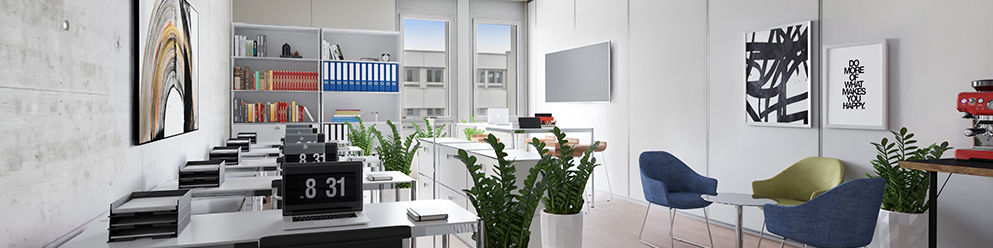
Expanding their successful relationship, computer vision company GeoCV and BoxBrownie.com are now servicing the commercial industry.
READ MORE
Real estate is beautifully suited to be marketed via social media. If you have yet to unlock the powers of social media to the benefit of your own real estate career, a good place to start is by following the don’ts and dos suggested in this post.
READ MORE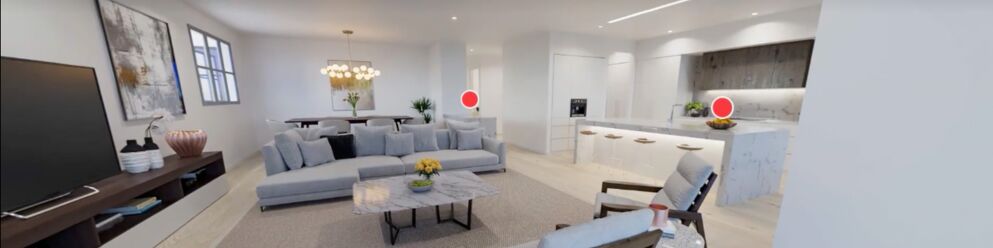
This blog is a must-read for property managers who want to stand out in a crowded market and revolutionize the way their properties are showcased and leased. Here’s why you should embrace the savvy side of rental marketing with virtual tours.
READ MORE
Did you know, homes that are staged sell 75% faster than those that are vacant? Virtual Staging has the potential to revolutionize the way you market vacant homes, but the big question is, can you use this powerful tool when shooting a home using a smartphone? In this blog, we compare two smartphones to a traditional DSLR camera to find out.
READ MORE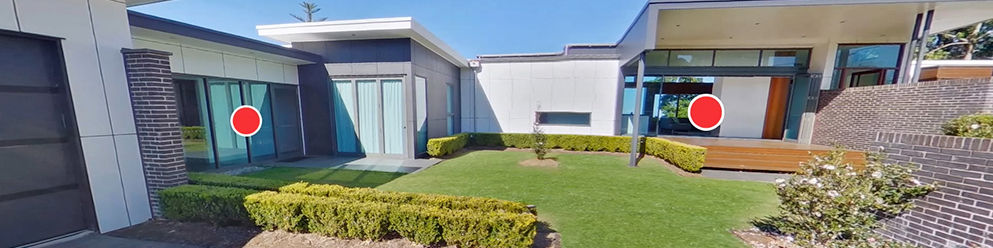
Understand the power and effectiveness of virtual property tours but not sure how to get started creating your own? In this blog, we show you just how simple and affordable creating your own virtual tour can be and how it can be done in as little as 20 minutes.
READ MORE
Leads are the seeds of real estate success. Like seeds, they require nurturing, attention and care if they are going to bear fruit. Here we’ll go over some foolproof methods of generating and nurturing real estate leads.
READ MORE