7 BENEFITS OF SHADOW REMOVAL EDITING IN PROPERTY PHOTOS
In today’s competitive market—whether you're a real estate professional, short-term accommodation provider, builder, or photographer aiming to make a visual impact—creating stunning and inviting images is essential. Captivating photos can make all the difference, often serving as the first impression potential customers have, influencing their decision to engage further or move on.
One often underestimated yet powerful tool for achieving eye-catching photos is Shadow removal editing. By combining image-enhancing techniques with the elimination or reduction of shadows, photographers and property professionals alike can transform ordinary images into captivating visual stories that showcase a property’s true potential.
Discover the seven powerful reasons why incorporating Shadow Removal editing into your photography workflow can be a game-changer.
1. Enhance Visual Appeal
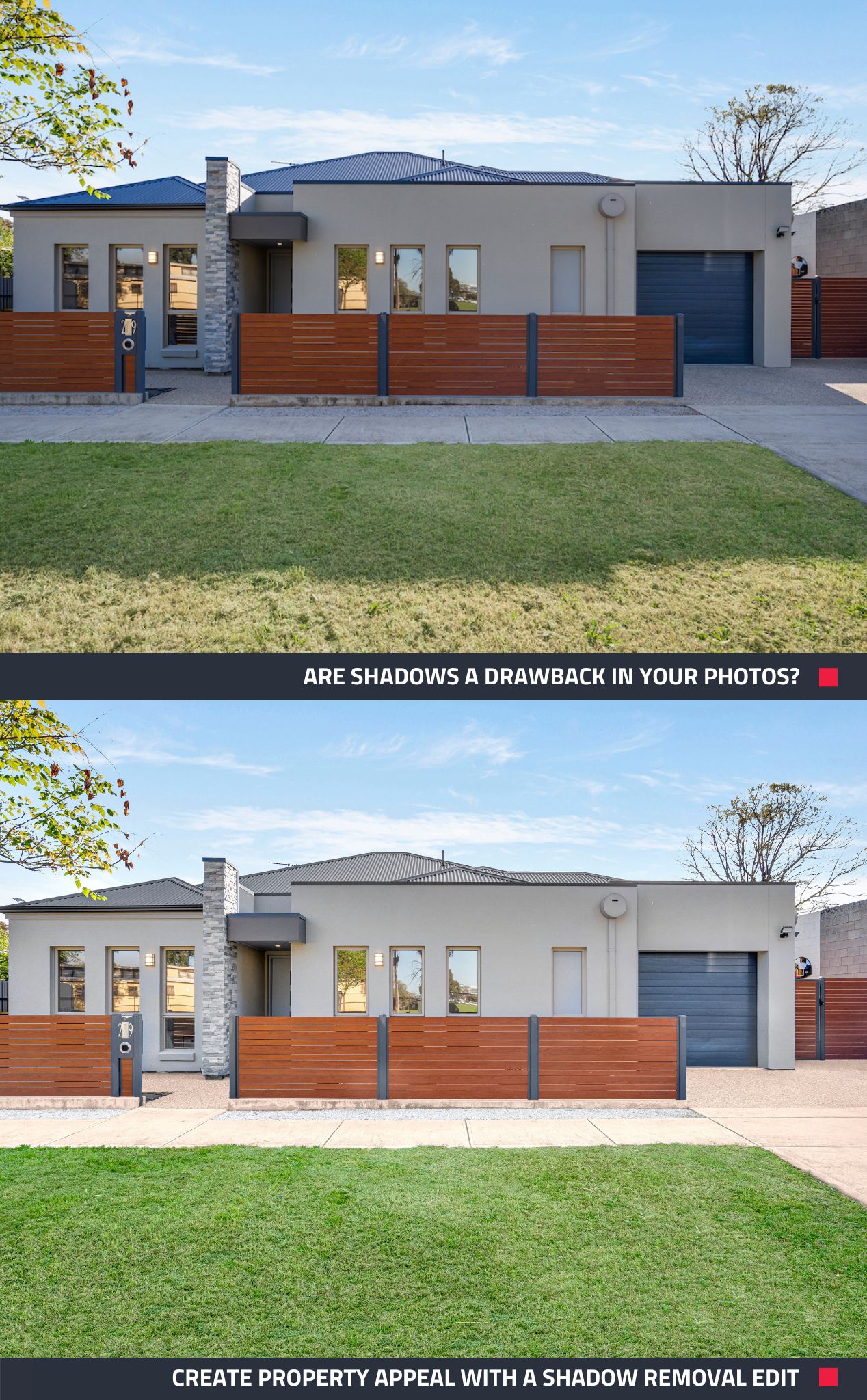
Shadows, especially harsh or distracting ones, can often take away from the beauty of a property. By removing them, you can create more aesthetically pleasing and inviting images that draw potential buyers' or renters' attention to the property. Further enhance property appeal with these 5 quick tips.
2. Highlight Natural Light
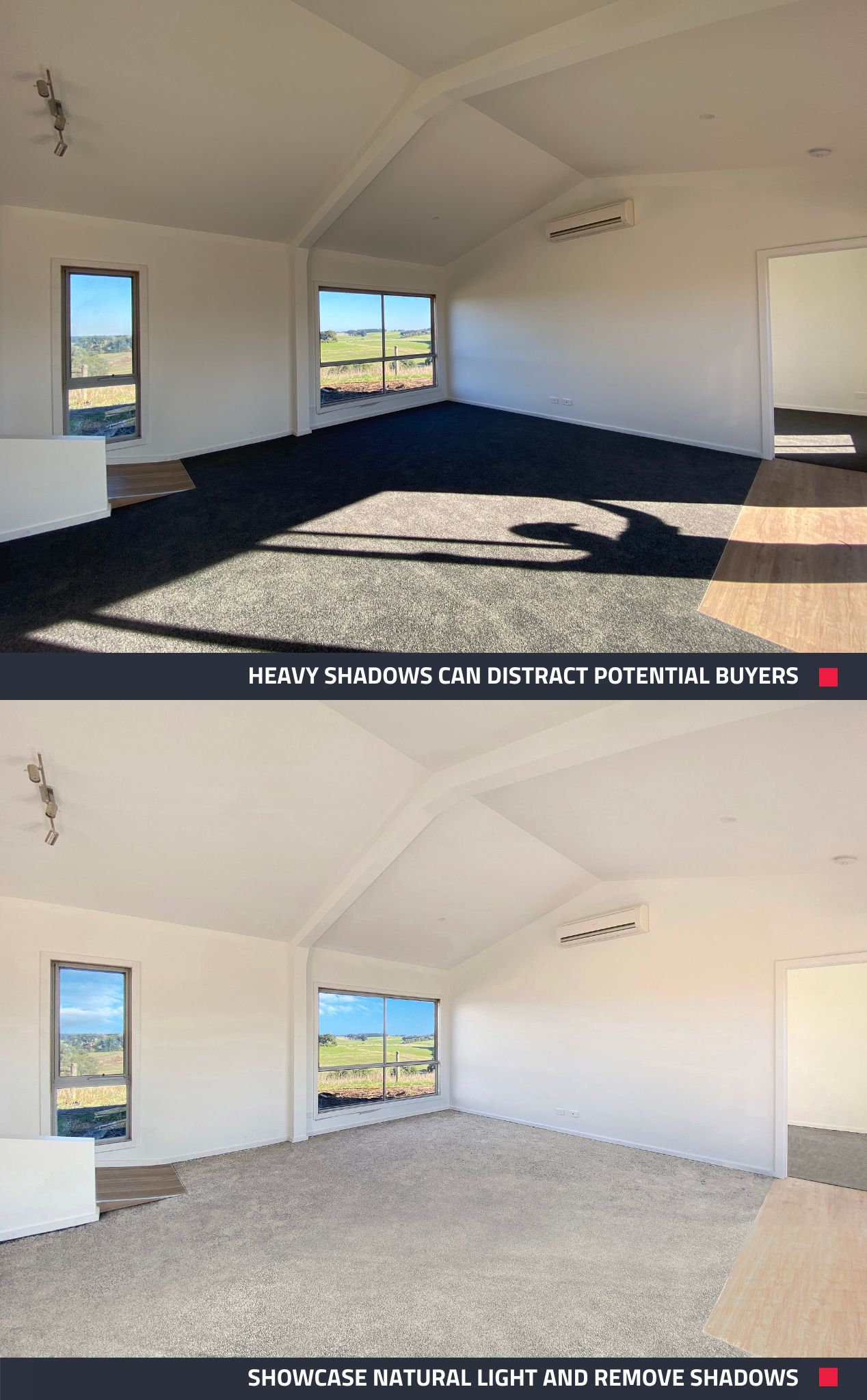
Many buyers and renters are looking for properties with good natural light. Shadow removal can help showcase the available natural light, making a property more appealing to those seeking well-lit spaces.
3. Create a Consistent Look
In property marketing, consistency is key. When shooting properties, different rooms or spaces may have varying levels of natural light or artificial lighting. Shadow removal editing can help create a consistent look and feel across all the photos in a listing, providing a cohesive and professional presentation. For more tips on creating visual consistency, delve into the world of Image Enhancement and its place in ethical property marketing.
4. Boost Online Visibility
Most property-related transactions—whether in real estate, construction, or short-term accommodation—begin online, where potential buyers, renters, or clients browse listings. First impressions are made through these listings, making high-quality images essential for capturing attention, encouraging further engagement, and increasing the likelihood of in-person viewings or bookings.
5. Enhance Details, Highlight Features
Details like textures, patterns, finishes, and colors can be lost in shadows. Shadows can also sometimes obscure important features of a property, such as architectural details, fixtures, room layout, and the overall condition of the space. Removing shadows can make these details more prominent and appealing to potential buyers or renters.
6. Make Interiors Appear Larger
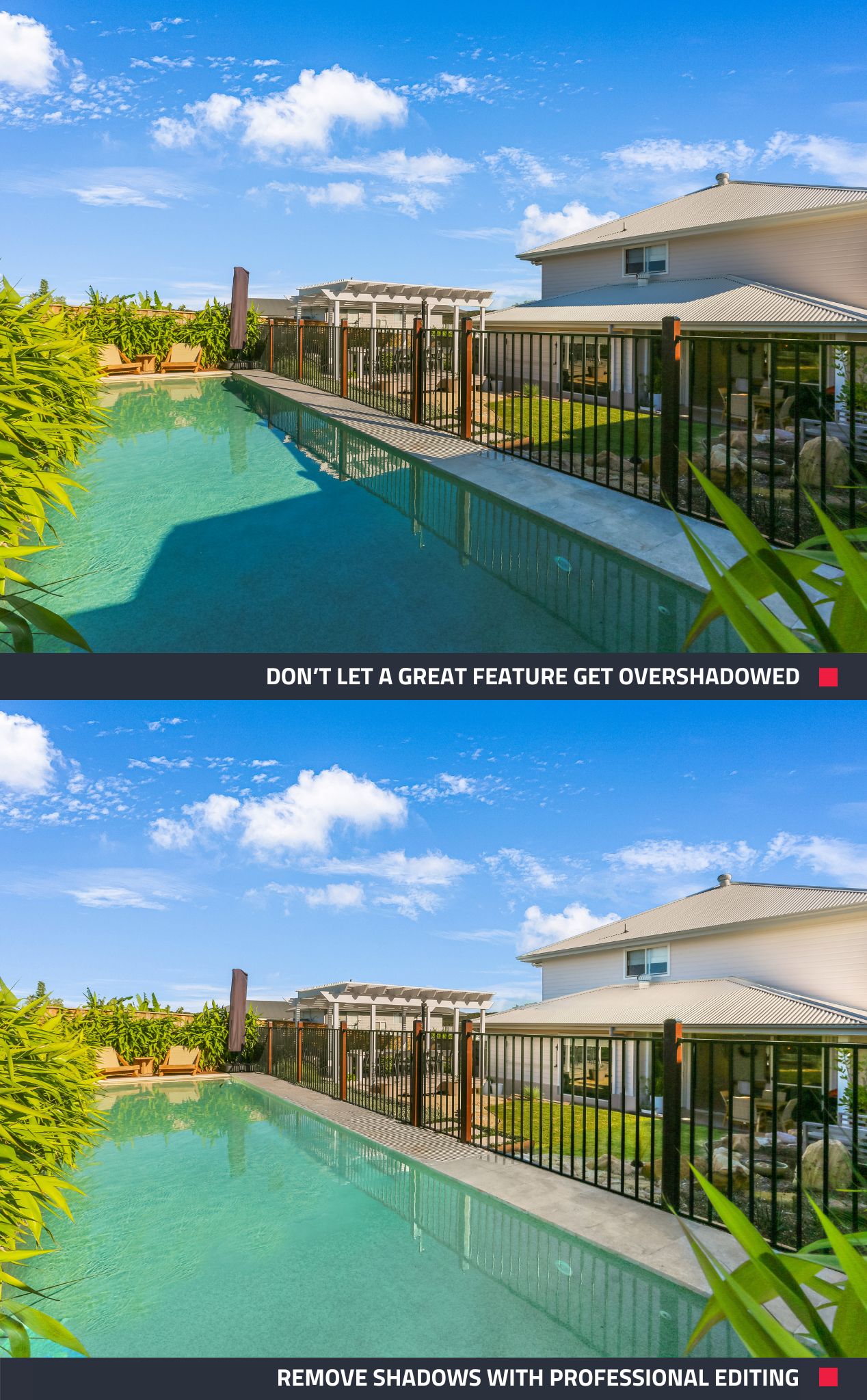
Shadows can make small rooms or spaces feel even smaller. By removing shadows, you can make areas seem more spacious, making the property more appealing to potential buyers.
7. Competitive Advantage
In a competitive market, eye-catching photos can make a listing stand out. Property photos with well-balanced lighting tend to appear brighter and more inviting. Professional shadow removal editing can help your property listings look more polished and welcoming, potentially attracting more interest and leads.
How to Add Shadow Removal Editing with BoxBrownie.com
Want to remove unwanted shadows from your photos? You can easily add Shadow Removal as an optional extra when you submit an Image Enhancement or Day to Dusk edit, or as part of General Editing. Here are two easy ways to include it:
Option 1: Use the Optional Extras Dropdown
- Go to your BoxBrownie.com dashboard.
- Select your chosen edit (e.g., Image Enhancement or Day to Dusk).
- Click New Job and upload your images, then click Next.
- In the Optional Extras section, find Shadow Removal.
- From the dropdown menu, select Yes.
Option 2: Use General Editing
- Go to your BoxBrownie.com dashboard.
- Select General Editing.
- Click New Job and upload your images, then click Next.
- You have the option to Assign Edits from the dropdown menu.
- In the Optional Extras section, find Shadow Removal.
- From the dropdown menu, select Yes.
Harness the Power of Shadow Removal Editing
Shadow Removal photo editing can significantly enhance the visual appeal of property photos, making properties look more attractive, well-lit, and inviting. This, in turn, can lead to increased interest from potential buyers or renters, ultimately helping real estate professionals, short-term accommodation providers, or builders market properties more effectively and achieve higher sales or rental prices.
If you're ready to take your photos to the next level, sign up to BoxBrownie.com now and receive 4 edits for free. No credit card is needed.
RELATED ARTICLES
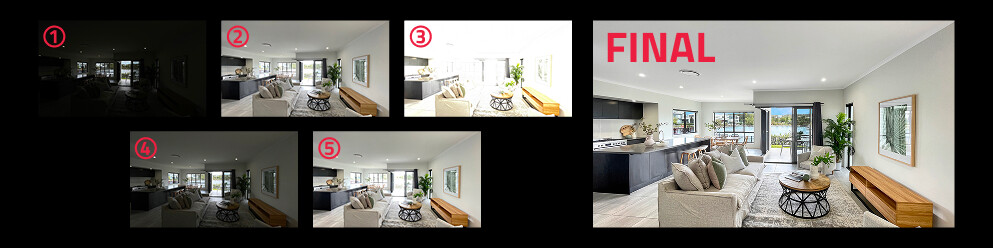
Confused by HDR? Discover what it is, why it can dramatically improve your property photos, and how we make creating stunning, balanced images effortless.
READ MORE
If you think quality, professional real estate images aren’t in your budget – think again! For under $20 you can beautifully showcase a property that will boost listing inquiries and your brand. How? Just follow our how-to guide.
READ MORE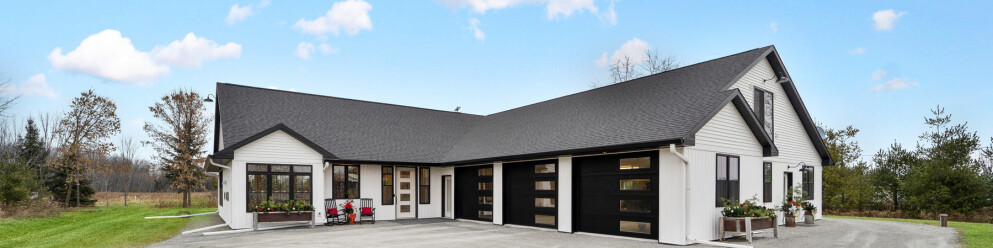
Want to know the dos and don'ts of using sky replacement in real estate photography? Learn how to ethically market property photos using this editing technique. Discover what's allowed, what's unethical, when to use it, and how it can benefit your property listings.
READ MORE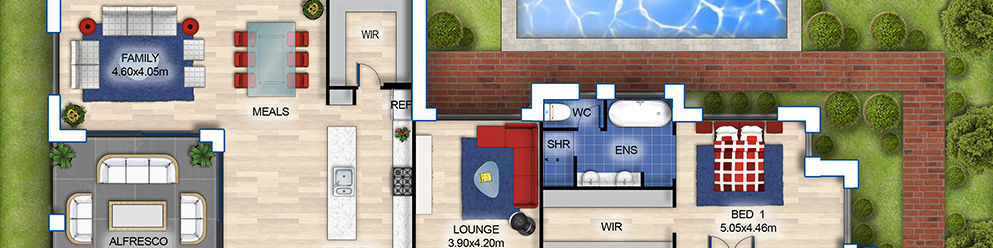
Boy have times changed! It was not many years ago when floor plans were not only hard to come by, but they were expensive, difficult to produce and fraught with copyright regulations that left them out of most marketing packages. BoxBrownie.com has solved all of these problems. Here we will show you how easy, inexpensive and quick it can be to acquire a 2D or 3D floor plan for any listing. It’s a win-win situation for buyers, sellers, and agents alike!
READ MORE
If your unfurnished listing is stuck on the market, it's probably because you haven't put the magic of Virtual Staging to work. Don't let those empty listings expire! Virtually Stage them and watch the offers roll in!
READ MORE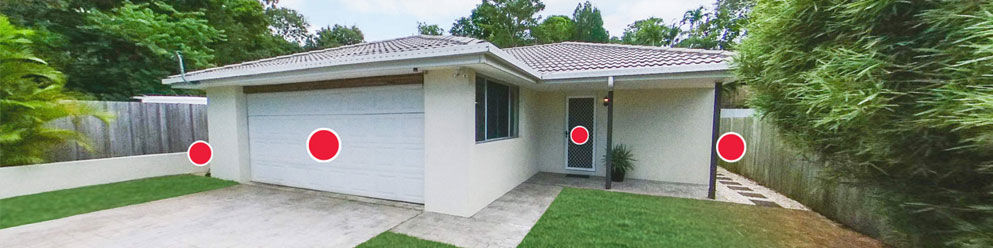
Love the idea of a virtual property tour but don’t want to spend thousands of dollars on expensive equipment or waste hours on the photoshoot? In this tutorial, we take you through our brand new 360° Virtual Tour service and look at how it can revolutionize your property marketing.
READ MORE