CREATE THE PERFECT FIRST IMPRESSION WITH A BRANDED FLOOR PLAN
When a potential buyer clicks on a property listing, there are only a few precious seconds to make a positive first impression. In this crucial moment, establishing a strong and consistent brand presence is vital. An agency’s brand is not limited to just a logo or tagline – it should be woven throughout every aspect of a property listing, including the floor plan.
Here’s why you should be customizing your floor plans with your agency’s branding and how you can start creating them for your listings.
Build Brand Recognition with Branded Floor Plans
Floor plans are often absent in real estate listings, and failing to include one in a listing can be a huge mistake. Recent NAR data found that floor plans were the third most valuable feature for people who look for homes online, with 31% of buyers finding them "very useful".
Consistent branding across listings plays a vital role in brand recognition, establishing trust, conveying professionalism, and capturing the attention of potential buyers. By getting BoxBrownie.com to customize your floor plans, agents can achieve a professional, uniform look every time while also providing buyers with the essential information they want to see on a listing.
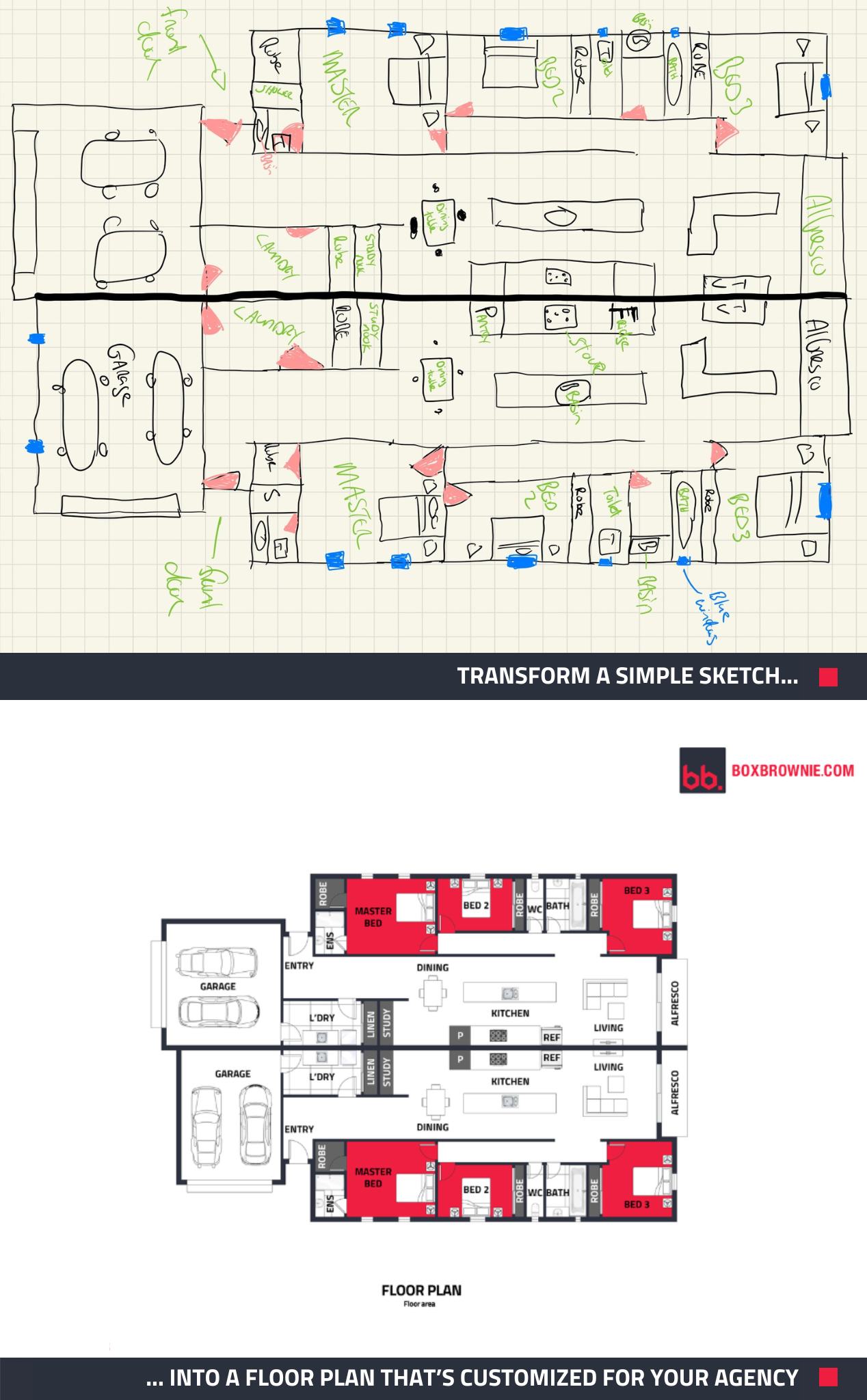
How to get a Branded Floor Plan Template
We have branded templates available for almost 100 different agencies, and if your agency already has one created, you can easily select it from the list when submitting a job.
If your agency isn’t on the list, simply get in touch with our friendly customer service team. For a one-off cost of $64, our team can create a full set of branded templates that incorporate your agency’s branding, from the logo, fonts, and color scheme to the desired fixtures and furnishings. This set will include templates for our 2D floor plans, 3D floor plans, floor and site plan combinations, and aerial editing.
After your templates have been created, you will only pay for the style of floor plan selected and our editors will ensure the floor plan includes all your custom options.
How to Submit a Branded Floor Plan Job
Once your template has been created, follow these simple steps to receive your customized floor plan:
- Start by signing in to your BoxBrownie.com account.
- Click ‘Floor Plan Redraws’ on your member’s dashboard.
- Select your agency from the list and click ‘Continue’.
- Give the job a title and upload the files for the floor plan. - Select which type of floor plan you would like and the corresponding template for your agency.
- Fill out the rest of your requirements, including the orientation for the floor plan, the preferred unit of measurement, and the file type of the completed floor plan.
- Attach any sample images and provide any extra instructions for our editors to follow.
- Click checkout and review your job submission. If you’re happy with it, click submit!
Within 24 hours, you’ll receive an attractive, easy-to-understand floor plan that’s consistent with your agency’s branding.
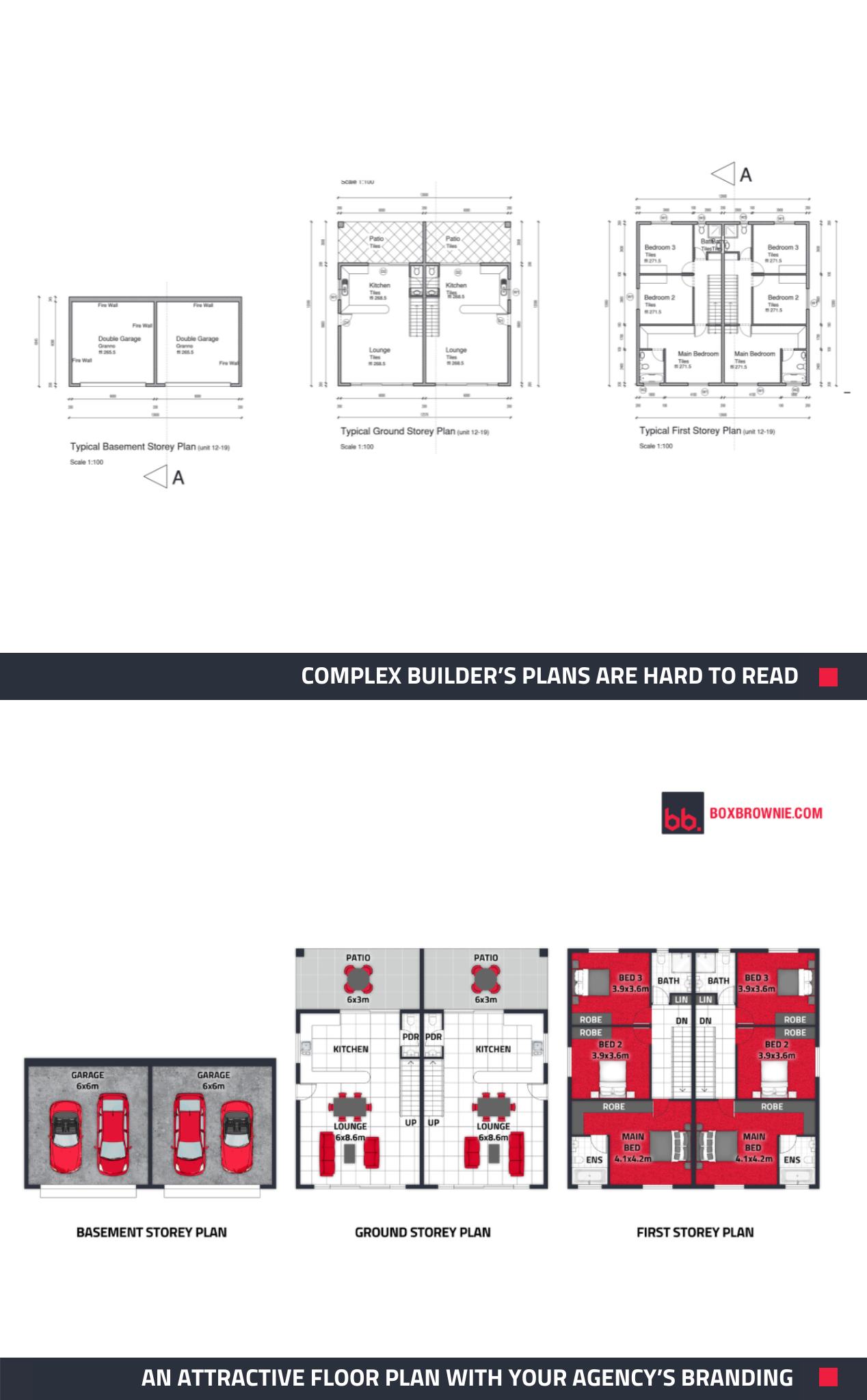
It’s Easy to Create the Perfect First Impression on Your Listings
Leverage the brand-building power of a Branded Floor Plan for your next listing.
Submit builders’ plans, a hand-drawn sketch, or an unbranded floor plan to BoxBrownie.com, and our team will customize it to your agency’s preferences.
New to BoxBrownie.com? Sign up now and receive 4 edits free. No credit card is needed.
RELATED ARTICLES
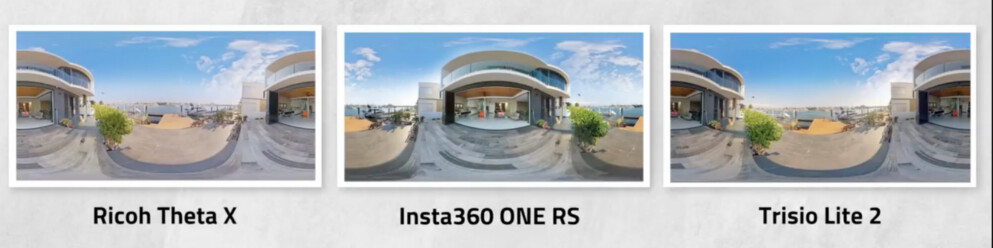
It’s a 360° camera shoot-out! Read to find out how three 360° cameras rank when it comes to shooting panoramic property images and decide which one is the best for your real estate photography needs.
READ MORE
Gotta see it to believe it! Our Virtual Renovation service can transform even an old shed into a stunning Air BnB rental. If you have unused space on your property, this post can show you how to turn that emptiness into income.
READ MORE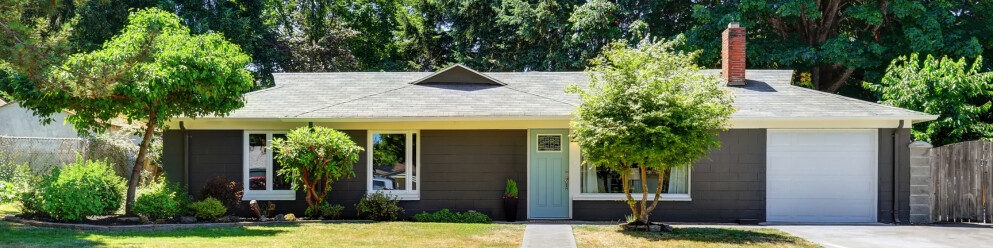
Tight budget? No problem. Learn 5 fast, affordable ways to create high-performing listings that stand out online, attract attention, and help you sell faster without overspending.
READ MORE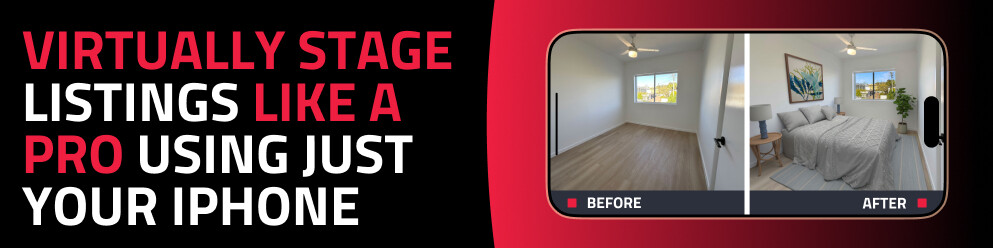
Discover how to virtually stage any property using just your phone with the SnapSnapSnap app. Capture, enhance, and transform empty rooms into beautifully styled spaces in minutes — no expensive equipment or experience required.
READ MORE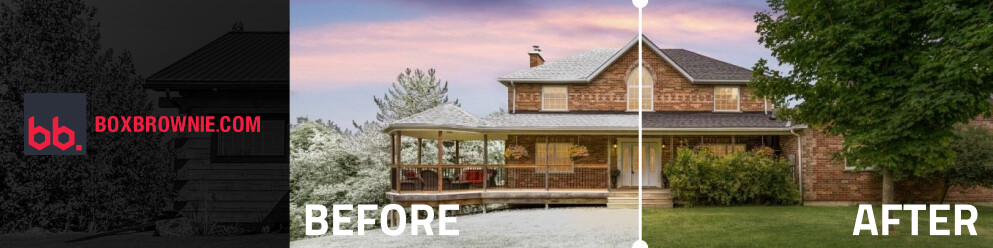
Winter, spring, summer, fall – this edit has it all! Our Season Change edit is back, now part of our Virtual Renovation service. Digitally swap seasons in your property photos to boost curb appeal, keep listings fresh and more. See how your listings can shine in any season!
READ MORE
Here are the home paint trends to know in 2023. Find out the key colors, according to experts, and pick out the perfect coat of paint to help showcase a property to its highest potential. Know a property that needs a change? You need this blog.
READ MORE