HOW TO SHOOT A RENTAL PROPERTY IN UNDER 6 MINUTES: A QUICK GUIDE
For short-term rental property owners and managers, time is your most valuable asset. Between managing guest turnovers, coordinating bookings, and handling maintenance, spending hours on property photography just isn’t feasible. But what if you could capture professional-quality images in under six minutes?
With SnapSnapSnap, you can! SnapSnapSnap is the photo app designed to help you get more bookings, powered by BoxBrownie.com, the world leader in property marketing. All you need is your iPhone, a tripod (if you have one, otherwise you can use handheld mode), and the app. This quick and simple setup allows you to take stunning photos without sacrificing quality or time.
Capture Listings Faster, Boost Bookings
In the fast-paced rental market, having high-quality photos can be the difference between securing a booking and losing out to a competitor. Attractive images help you stand out, increase your occupancy rate, and ensure quicker turnovers.
One of the biggest time-wasters during a photo shoot is adjusting complicated camera settings. That’s where SnapSnapSnap makes things easier.
“There are no settings to import into the app. It’s ready to use from the moment you download it,” explains Brad, professional photographer and BoxBrownie.com's co-founder.
The app uses advanced bracketing technology to automatically capture the best possible photos with your iPhone, delivering professional-level results every time. With SnapSnapSnap, you can spend less time on your camera and more time managing your rental.
Prepping for Success
The key to taking great photos quickly is preparation. Before starting your shoot, use our Ultimate Photography Checklist to ensure your property is fully ready for the camera. This will help you avoid last-minute adjustments and streamline the process.
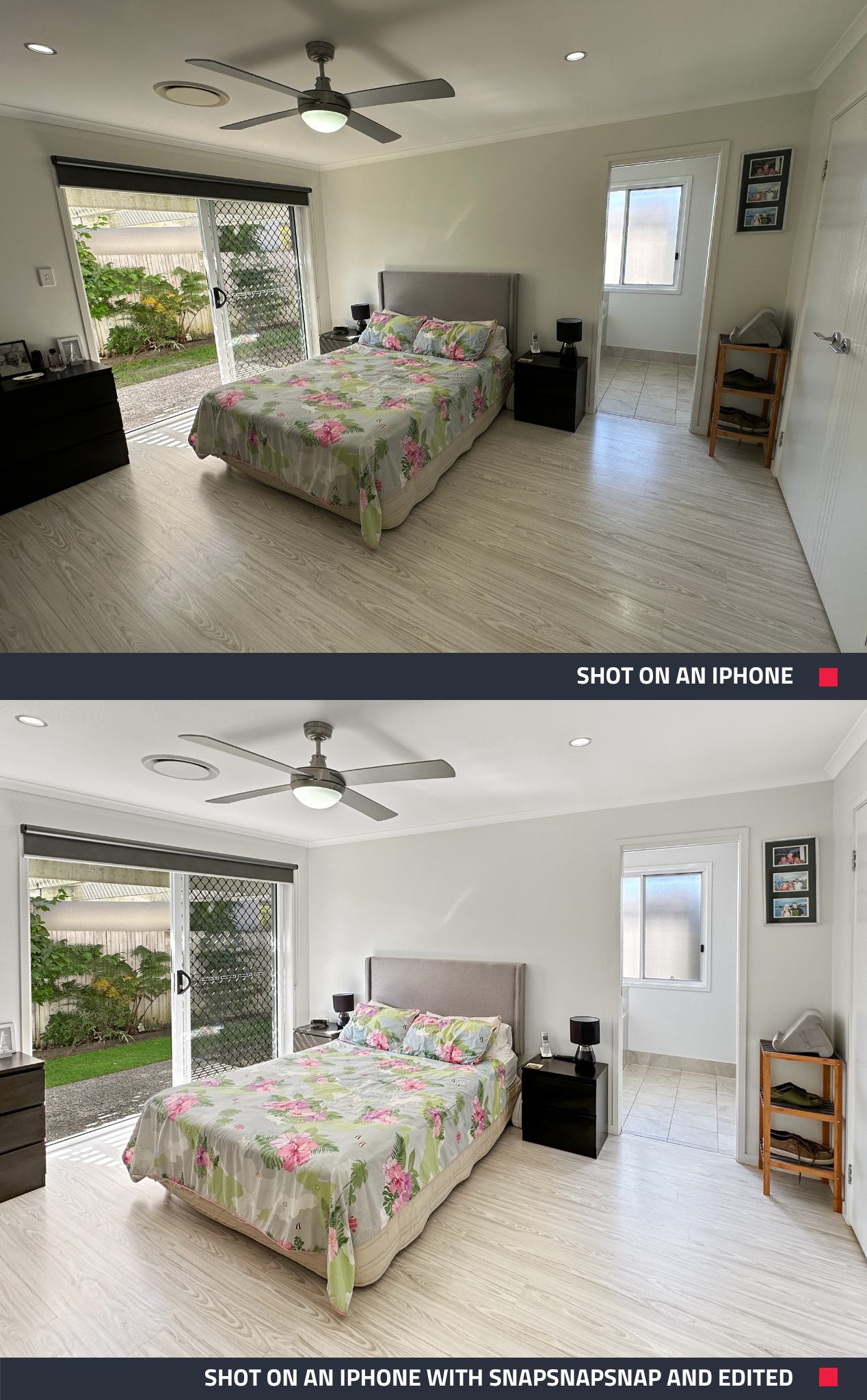
Quick Property Prep Tips Include:
- Prepare the Property: Ensure the space is clean, well-lit, and clutter-free.
- Turn on all lights to create a welcoming atmosphere.
- Open every door to enhance the sense of space in your photos.
- If you have a nice outlook, open all curtains and blinds. If you can see the neighboring house out the window, strategically lower the blinds enough to block out the adjacent house.
Leaving doors open helps enhance the sense of flow and space, which is essential when photographing properties.
“You’ll notice that open doors create flow and space in your images, which is very, very important,” Brad advises. This simple step can make a huge difference in how potential guests perceive the size and layout of your rental.
Quick Step Guide to Shooting a Rental Property
Prepare the Property: Ensure the space is clean, well-lit, and clutter-free. Open curtains and turn on all lights.
Set Up SnapSnapSnap: Download the app on your iPhone, then log into your BoxBrownie.com account. If you don’t have an account, you can create one for free in seconds.
Choose Angles: Plan your shots. Focus on key areas like living rooms, kitchens, and bedrooms.
Shoot Exteriors: For exterior shots, manage sunlight to avoid glare by blocking the sun with your hand over the lens. Don’t worry—when you submit the photo for editing with our affordable $1.60 Image Enhancement service, our expert team will remove your hand and replace the sky as part of our 17-step process.
Capture Details: Use SnapSnapSnap and your iPhone’s wide-angle lens to capture the property effectively. The app defaults to 0.6x zoom to mimic the natural field of vision, ensuring your photos look as close as possible to how guests will see the space in person.
Tackle Bathroom Reflections: In bathrooms, simply hit the shutter, step out of the frame, and let SnapSnapSnap handle it. Our team can even remove the tripod in post-production for a clean, professional shot.
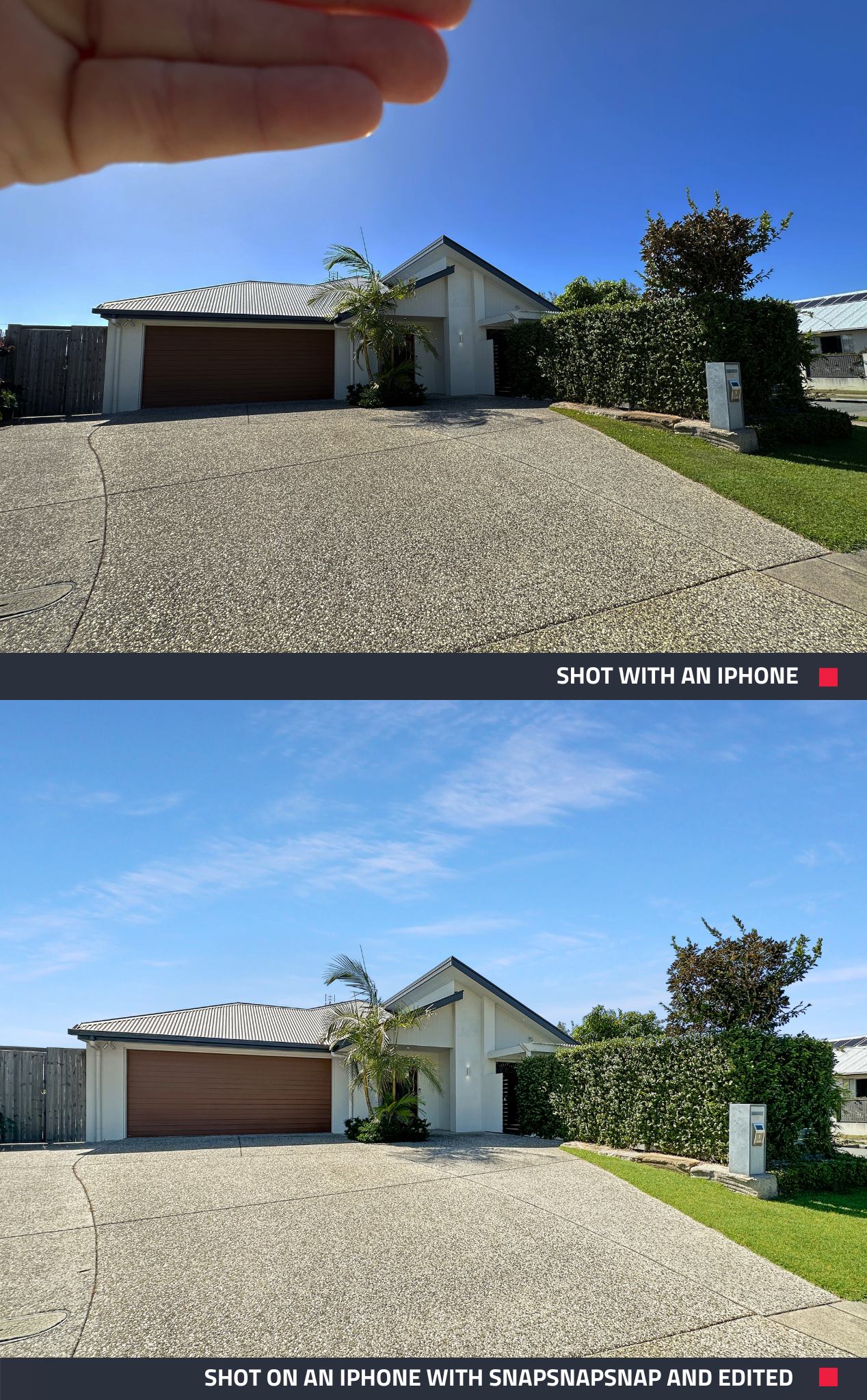
For more tips getting started with SnapSnapSnap, check out our handy How-To Guide.
Why SnapSnapSnap?
With SnapSnapSnap, you can capture high-quality property photos quickly and easily. No need for expensive photography equipment or hours spent behind the camera. In just six minutes, you can shoot multiple rooms and upload them for professional editing—all from your phone.
“Honestly, it’s that easy to get professional images, straight from your phone,” says Brad.
And the best part? SnapSnapSnap is free to download from the App Store. By using it, you’ll streamline your workflow, save time, and boost your bookings with images that show off your property at its best.
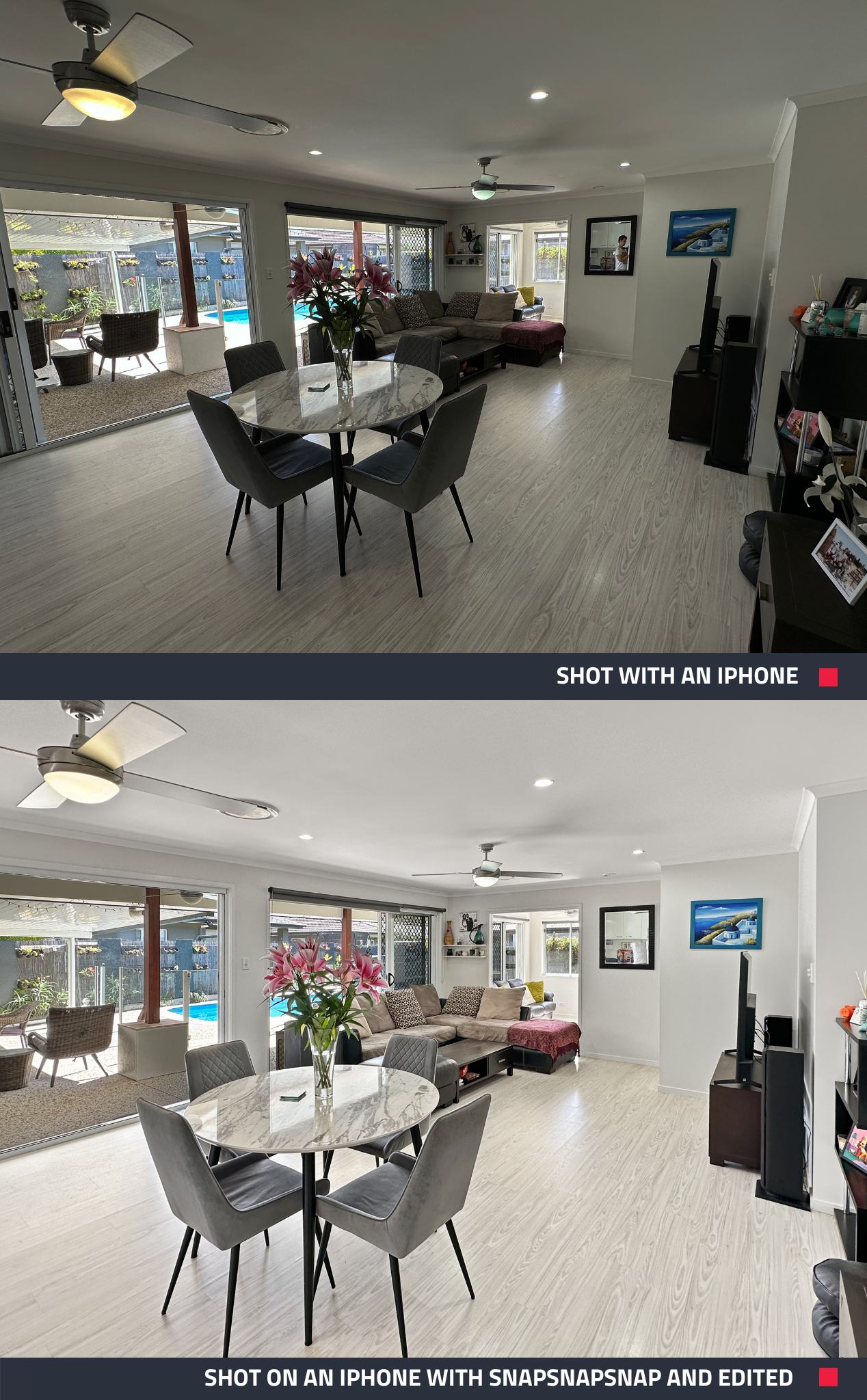
Download SnapSnapSnap Today!
Start seeing how it can help you save time, simplify your photography process, and get more bookings—all with professional photos shot in under six minutes! Download SnapSnapSnap now!
RELATED ARTICLES

Unlock the potential of your short-term rental with professional-quality photography! This guide will walk you through using SnapSnapSnap to create eye-catching visuals with your iPhone.
READ MORE
Keep vacation rental photos fresh without a full reshoot. See how StayLuxe Properties uses SnapSnapSnap and BoxBrownie.com to shoot photos and get professional edits whenever the home’s furnishings change.
READ MORE
If you’re a real estate agent, property manager, or builder using an iPhone, you’re already halfway to great listing photos. SnapSnapSnap takes you all the way — with automatic HDR, built-in framing guides, and professional editing at your fingertips. See why our app outperforms your iPhone every time for property photography.
READ MORE
We just picked up the brand new iPhone 14 and one thing is abundantly clear – it is insane at taking high-quality photos! In this video, we shoot an apartment using Apple’s latest tech to showcase how much of a weapon the iPhone 14 is. Check it out now!
READ MORE
Jon Sweeney transformed leasing across a 680-unit portfolio by upgrading listing photos. With sharper images and strategic virtual staging, even hard-to-rent units gained traction—cutting vacancy times and driving faster, more consistent leasing results.
READ MORE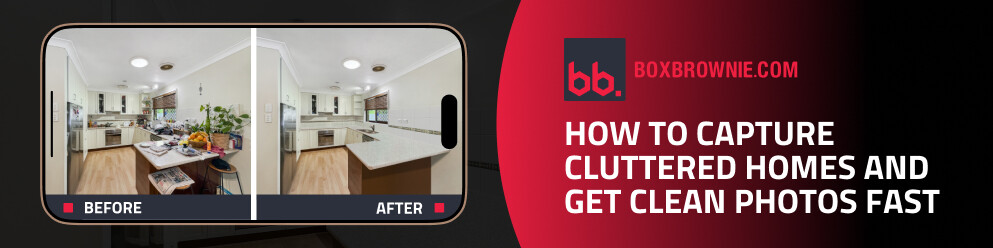
In our latest video, cofounder Brad Filliponi shows how messy rooms won’t hold up your listing. With SnapSnapSnap, shoot once and get polished, buyer-ready photos in just 24 hours.
READ MORE