HOW TO PREPARE YOUR SHORT-TERM RENTAL FOR PICTURE-PERFECT PHOTOS
First impressions matter in the competitive world of short-term rentals, and nothing creates a stronger first impression than high-quality photos. As a rental manager or host, having professional, attractive images of your property can be the key to securing more bookings. With guests scrolling through endless options online, you want your property to stand out and look its absolute best.
Preparing your rental for the camera is essential for capturing attention and showcasing its full potential. These expert tips will help you stage the perfect shot and elevate your property’s appeal.
1. Declutter for an Inviting Space
Ensure the spaces are clean and tidy. Even if your rental is already tidy, spend a few extra minutes removing unnecessary items to create a clean, welcoming environment. Clear kitchen countertops, leaving only essential appliances to give guests a preview of what's available. A clutter-free environment helps potential guests visualize their stay.
If you're renting out an occupied home for short-term stays, it's important to declutter personal belongings to create a welcoming and neutral environment for guests. Our pre-photography checklist will help you get it shoot-ready and looking its best.
Pro Tip: When photographing the kitchen, be sure to remove fridge magnets. They can make the space appear cluttered and distract from the clean, open look that appeals to potential renters.
2. Open Doors and Windows
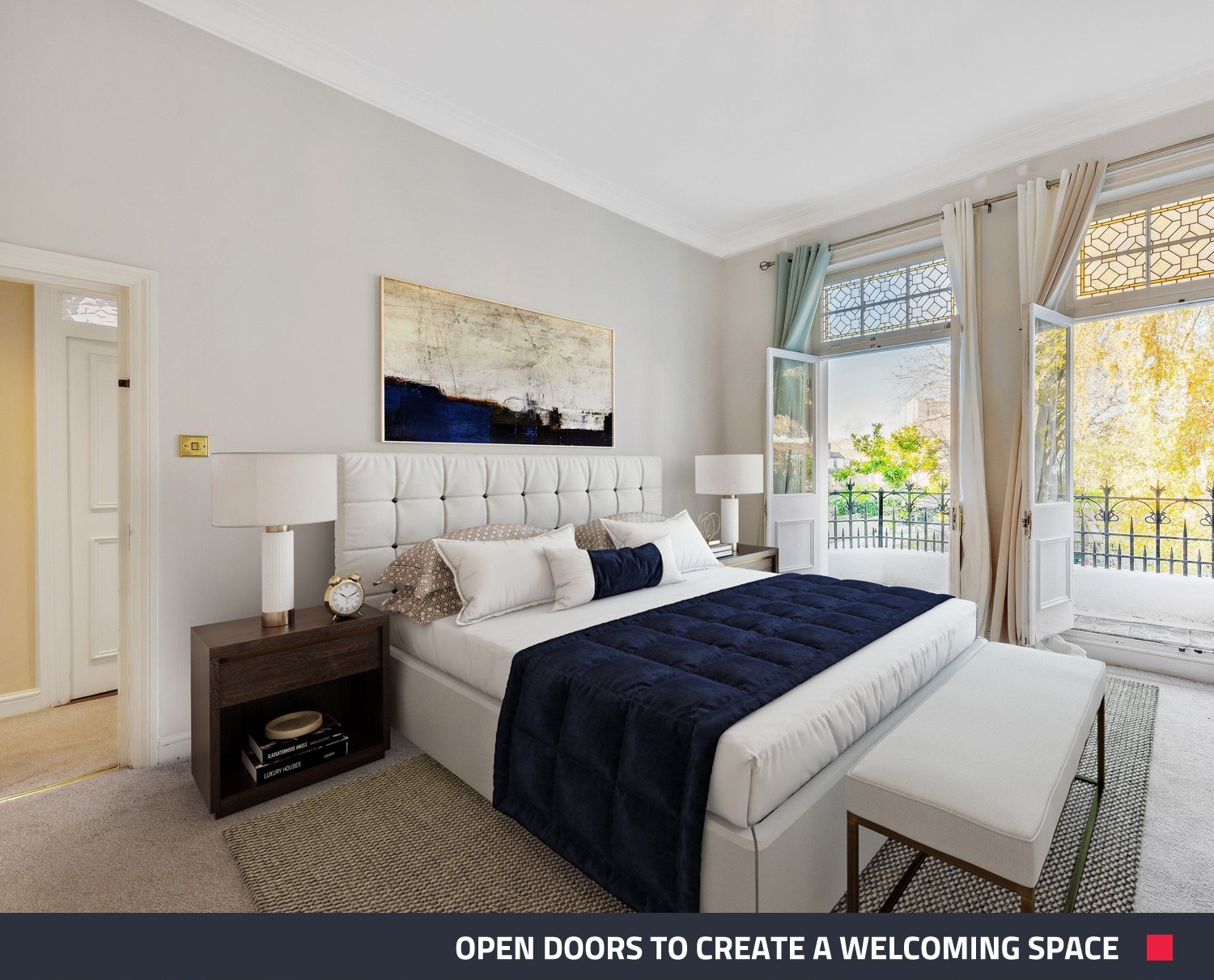
To create a sense of spaciousness, open all doors and windows. This allows natural light to fill the space, giving the home a bright, airy feel that enhances its appeal in photos.
3. Strategically Lower the Blinds
While curtains and blinds should generally be open to let in natural light, there are exceptions. If neighboring houses are visible, lower the blinds slightly to obscure the view and keep the focus on your property. This simple adjustment enhances privacy and makes your rental feel more intimate and inviting.
4. Turn All Lights On
To ensure the best lighting, switch on every light in the house, even during the daytime. Good lighting makes spaces feel larger and more welcoming.
5. Turn Off Ceiling Fans
Make sure ceiling fans are turned off to avoid distracting motion in your photos. Still rooms help keep attention on your property’s key features.
6. Straighten and Stage Furniture
Arrange furniture neatly, and lightly stage key areas. A few well-placed cushions or a throw can make rooms look cozy and inviting. Simple props, like a bowl of fruit or a vase of flowers, can add warmth and make your space feel more inviting.
Pro Tip: Don’t forget to tidy the bathroom! Clear counters, arrange towels, and clean mirrors to ensure it looks its best. Check out our top tips on how to prepare a bathroom for a shoot to ensure it shines.
7. Remove Pet Accessories
While your rental might be pet-friendly, remove any pet beds, toys, and food bowls. This ensures that your photos appeal to all potential guests, not just those traveling with pets.
8. Tidy the Pool Area
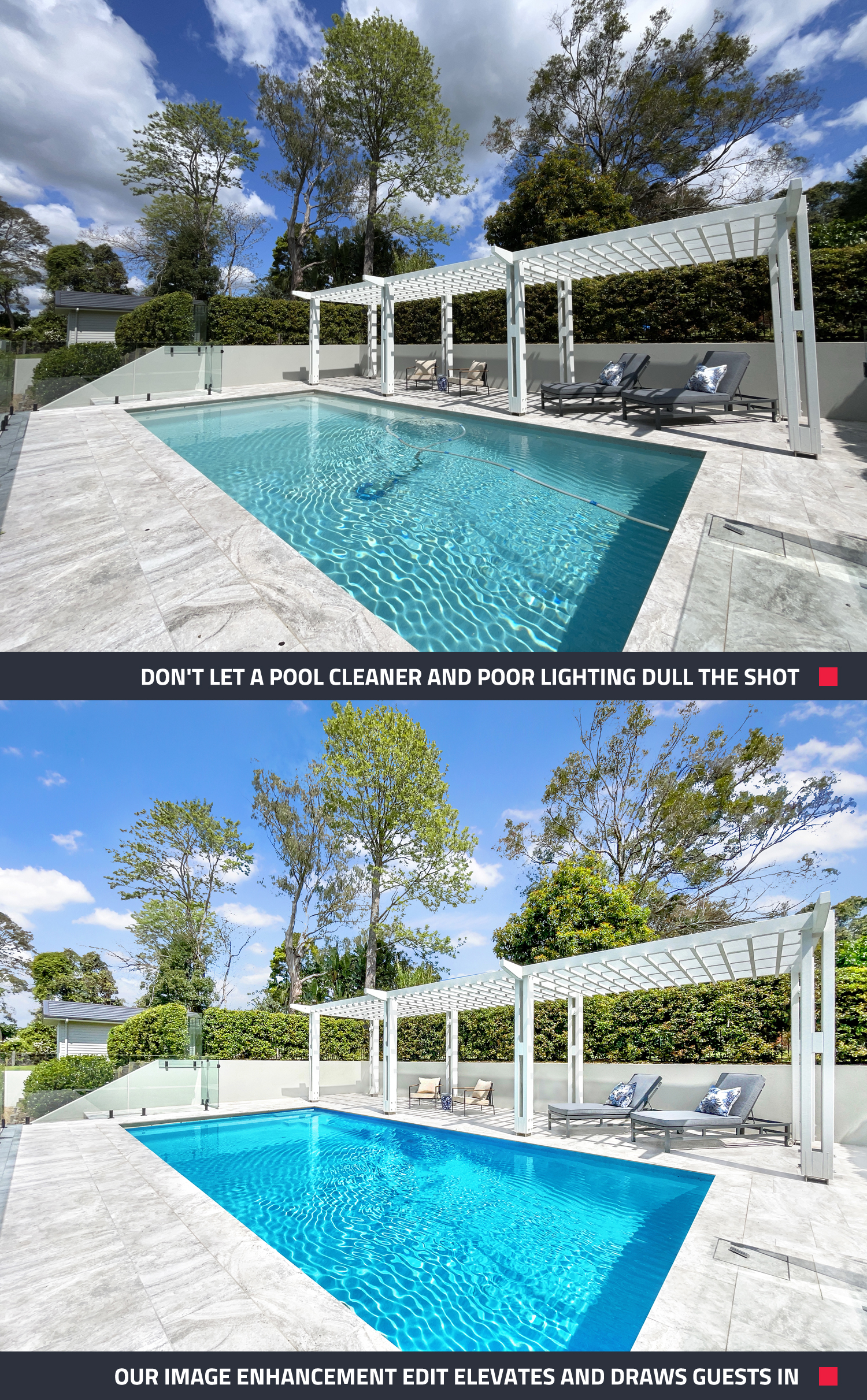
If your property has a pool, remove any pool cleaners, toys, or floats. A clean pool area looks polished and inviting.
Pro Tip: If you can’t remove the pool cleaner, our professional editing service can have it digitally removed for just US$1.60 through our Image Enhancement service.
9. Ensure Curb Appeal
Make sure the exterior of your property looks neat by trimming the lawn, removing clutter, and hiding trash bins. Move any vehicles from the driveway so the property is fully visible.
Prepped for Success
By following these tips, your short-term rental will be camera-ready and poised to attract potential guests. Great photos can help set your listing apart in a crowded market, making it easier to secure more bookings. When your property looks its best, you’ll find guests eager to book—and leave glowing reviews!
Ready to Shoot Your Rental?
If you want professional-quality photos, you need our photo app. Download SnapSnapSnap today and turn your phone into a powerful property photography tool! Elevate your listing and attract more bookings in just a few clicks.
RELATED ARTICLES
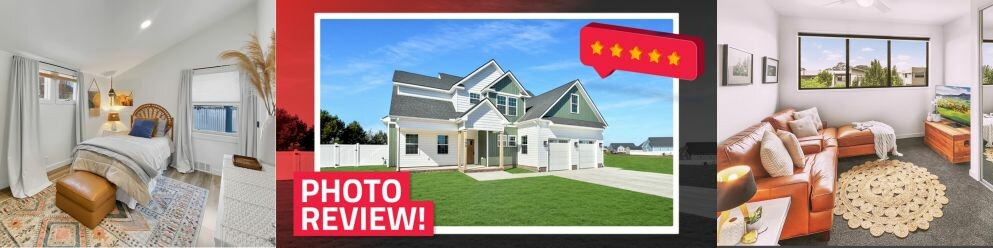
In our latest video, Brad shares essential photography tips while reviewing images taken by real estate agents with SnapSnapSnap. Find out what works and what can be improved. With Brad’s insights – you can maximize every shot you take!
READ MORE
Join our co-founder Brad Filliponi as he puts the iPhone 15 to the test in real estate photography. Learn insider tips and tricks while witnessing the seamless integration of SnapSnapSnap, our photography app designed to effortlessly elevate your property shots.
READ MORE
Want more Airbnb bookings without breaking the bank? Our latest video reveals how to capture stunning listing photos using just your phone and create professional floor plans. With expert tips from Brad, marketing your Airbnb is now easier than ever.
READ MORE
Great photos drive bookings in the short-stay rental market. Discover how The Holiday Home Girls help owners style properties, capture standout images, and use SnapSnapSnap with BoxBrownie.com to create polished, booking-ready listing photos.
READ MORE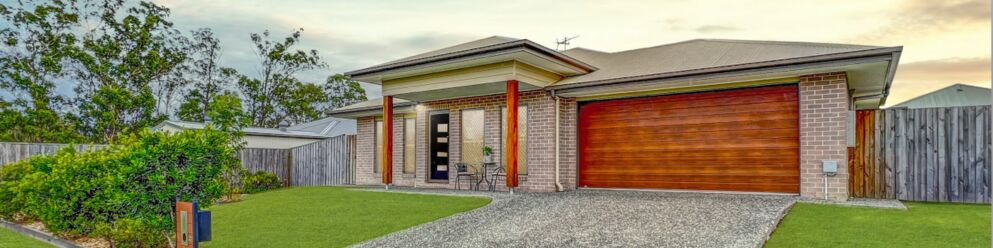
Attention to all real estate professionals who prefer the DIY approach when it comes to property photos! Check out this blog for five simple tips that you can start using today to take your real estate photography from good to amazing.
READ MORE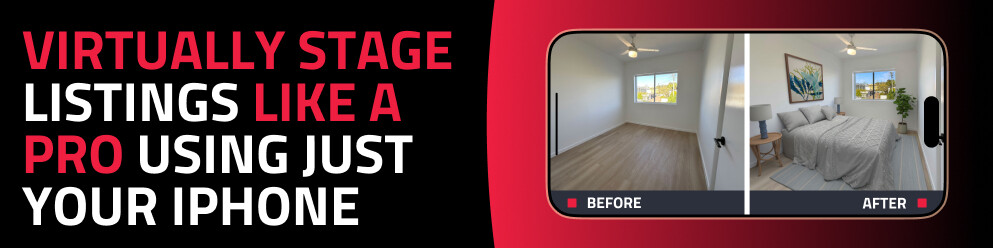
Discover how to virtually stage any property using just your phone with the SnapSnapSnap app. Capture, enhance, and transform empty rooms into beautifully styled spaces in minutes — no expensive equipment or experience required.
READ MORE