HOW PROPERTY MANAGERS CAN MARKET A HOME FOR UNDER $20
Introduction
Are you a property manager who takes their own listing photos? Looking for a cost-effective way to boost your rental inquiries so you can rent your listing ASAP? Well, get excited because our Co-founder Brad Filliponi shares his expertise on how you can shoot your property professionally for under $20 using only a smartphone!
In This Photo Shoot, We Take 10 Images In Total:
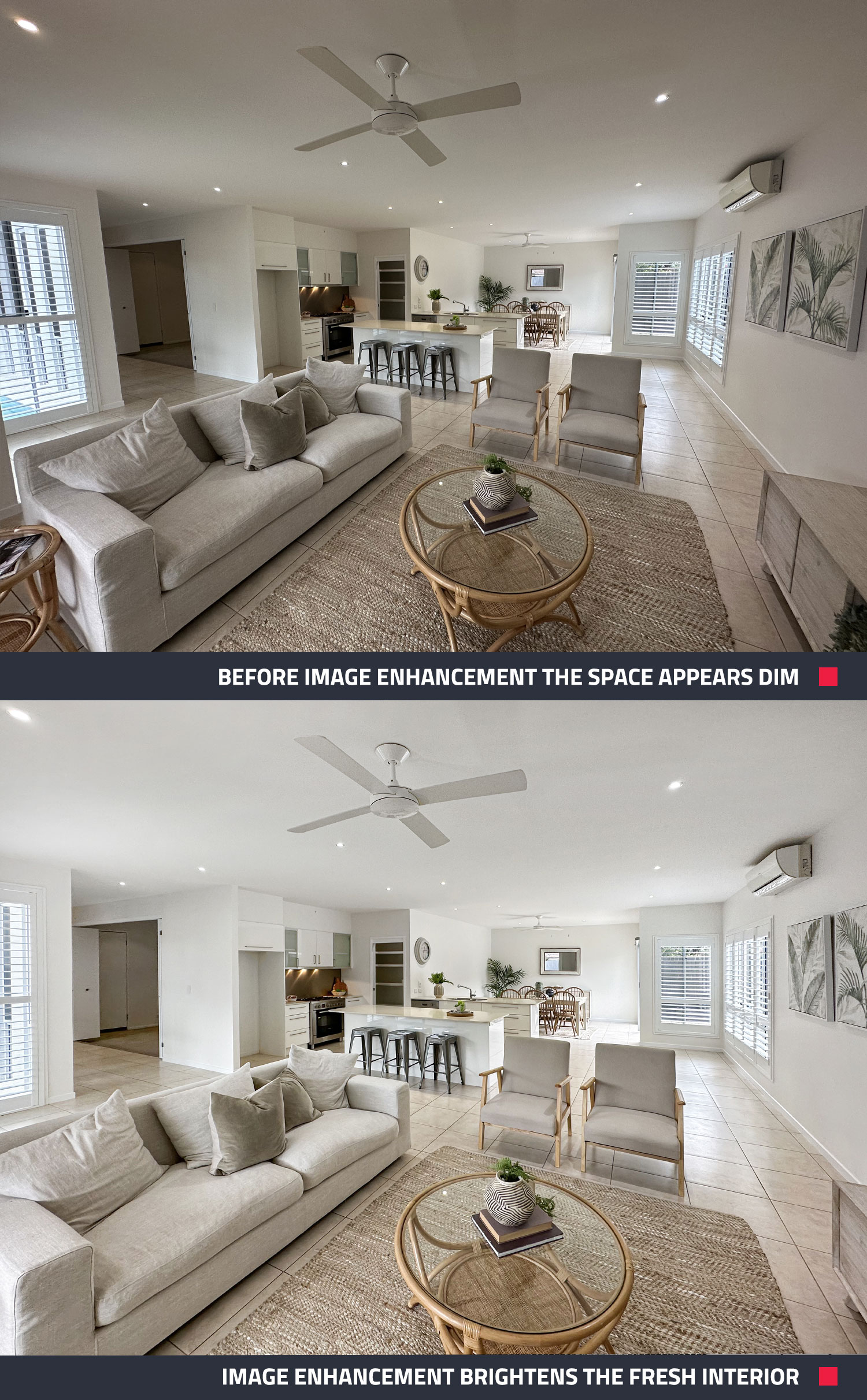
• 9 shots are edited with Image Enhancement @ US$1.60 each (US$14.40)
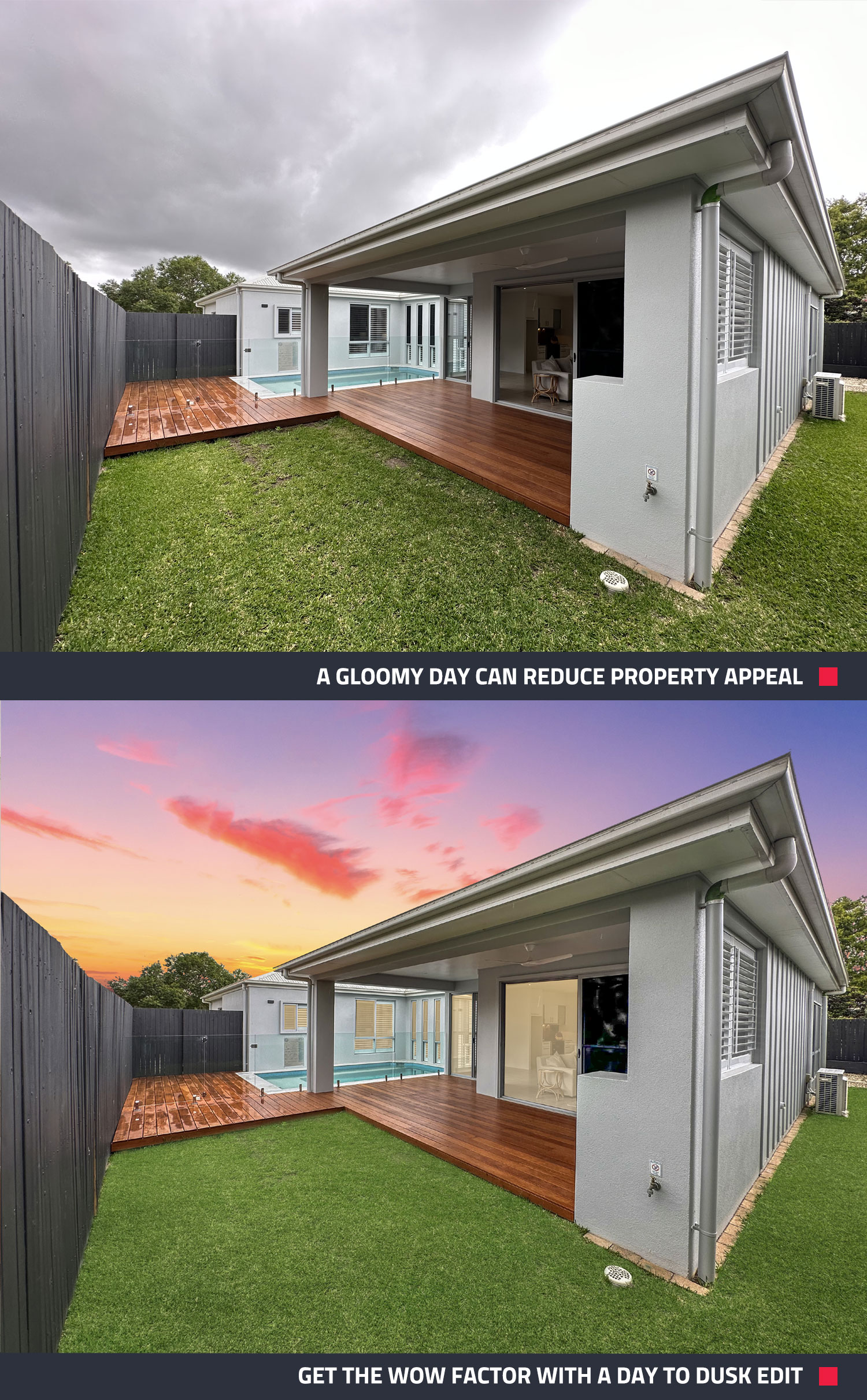
• 1 shot is edited with Day to Dusk @ US$4 each (US$4)
TOTAL = US$18.40
It’s Simple, Quick And Convenient
If you have 15 minutes and a late model smartphone with a wide-angle lens then you can give your property marketing a big boost.
- Grab your smartphone and shoot your property listing using Brad’s tips - for best results, use an iPhone 11 or later or alternatively a Samsung S10 or later.
- Send your photos to us for editing.
- We send you professional-quality images of your property in 24 hours.
Use Day To Dusk To Generate More Inquiries
For maximum impact on your marketing, Brad recommends using Image Enhancement on your photos and adding a Day to Dusk edit to your hero image. Day to Dusk has been shown to attract up to 400% more clicks on your listing - so for US$4 it’s a no-brainer. The more interest you generate the faster you will find a tenant.
Brad’s Top Tips For Shooting Real Estate:
- Wipe down your lens before you start shooting
- Prepare the space and ensure it’s neat and tidy
- Turn on all interior lights
- Turn off fans
- Always shoot landscape (never portrait)
- Position yourself in the corner of a room to capture as much of the space as possible
- Shoot at eye-level with a steady hand
- Take a second shot for safety
- When shooting interiors, it’s usually best to click on the windows to expose the outside before taking your shot
- Don’t worry about your reflection when shooting the bathroom - we’ll edit it out with our Image Enhancement service.
- Edit every image to create a clean, crisp and seamless array of photos
- Enhance your hero shot with a Day to Dusk edit
The 10 Most Important Shots That Every Property Should Have
Brad walks us through the 10 shots every property listing should have and highlights the best way to capture the space and incorporate the home’s best features.
- Hero Shot of Property Exterior (The best shot is commonly at the rear of the property)
- Front of Property
- Rear of Property
- Living Area
- Kitchen
- Dining Area
- Media Room
- Main Bedroom
- Second Bedroom
- Largest Bathroom
Conclusion
If you think quality, professional real estate images aren’t in your budget – think again! For under $20 you can beautifully showcase a property with a 10-shot photo shoot that will boost your brand and have your phone ringing with listing inquiries in no time. We’re here to help you lift your marketing game and get your property looking its best for an affordable price.
Need Virtual Staging for your property? Check out our how-to blog on shooting a listing for Virtual Staging with an iPhone 14 Pro.
New to BoxBrownie.com? Sign up now and receive 4 free edits. No credit card needed.
RELATED ARTICLES
We were lucky enough to sit down with Alicia Omand and Neils Mack of Royal LePage Canada, to explore strategies for elevating property listings. We also delved into the long-standing partnership between BoxBrownie.com and Royal LePage, as well as their cutting-edge one-stop-shop CRM, designed to empower their agents throughout Canada.
READ MORE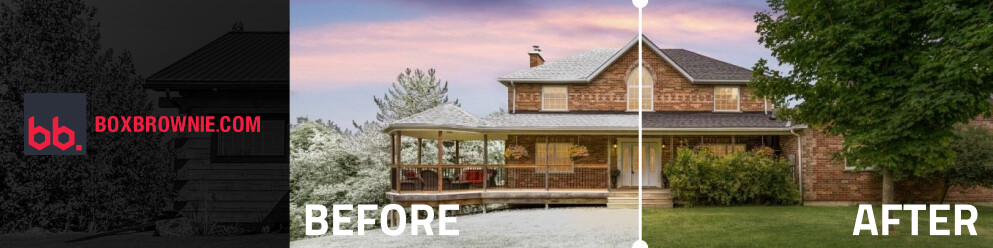
Winter, spring, summer, fall – this edit has it all! Our Season Change edit is back, now part of our Virtual Renovation service. Digitally swap seasons in your property photos to boost curb appeal, keep listings fresh and more. See how your listings can shine in any season!
READ MORE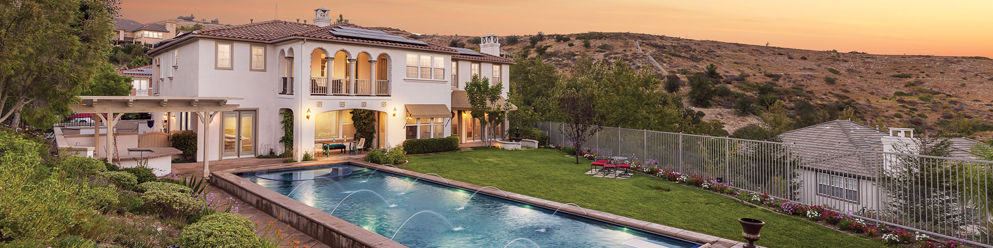
Michael Jordan became a great basketball player because he developed all aspects of his game. Michael LaFido became a great realtor because he has developed a marketing repertoire to suit any property. Let’s look at these two great Michaels from Chicago, and see what else we can learn.
READ MORE
Forming the right habits can be a huge part of real estate success. These seven habits are common amongst the highest achieving real estate agents. It's never too late to pick up one, two, or all of them yourself!
READ MORE
Discover the transformative power of shadow removal in property photography. Make images brighter, bolder, and more inviting. Explore seven powerful reasons why this technique is a game-changer for your marketing—capturing more attention and converting more buyers and renters.
READ MORE
Virtual Tours have revolutionized real estate marketing, but are you using them ethically? Learn how to maintain transparency, accuracy, and respect for potential buyers to build trust virtually. Discover the key considerations and best practices for leveraging Virtual Tours in your listings.
READ MORE