HOW TO SHOOT MESSY BEDROOMS
It’s a problem a lot of photographers face - what happens when you’re shooting a property and there is a messy bedroom? In this blog, we are going to demonstrate how present a bedroom using bracketed images, remove the items in the room and then virtually stage the bedroom to showcase the property in the best light.
Our co-founder Brad Filliponi will be shooting multiple bedrooms to show you how much difference cleaning up the room can make.
Preparing The Bedroom
Starting with the windows, it’s a good idea to minimise the lines by having them closed and ensuring the curtains are neat and straight. If there are blinds, as always we recommend only leaving them open to show the view if you cannot see the neighbors, therefore letting as much light as possible.
Similarly, open up any sliding doors to create extra space and turn on any lights. You don’t need to worry about hiding any items as these will be removed in the editing process. However, if something is hiding an important detail, like skirting boards, we suggest moving it, therefore making it easier for our editors to determine what is behind it.
“If it looks good, show it off. If it looks terrible, hide it,” Brad Filliponi.
Shooting The Bedroom
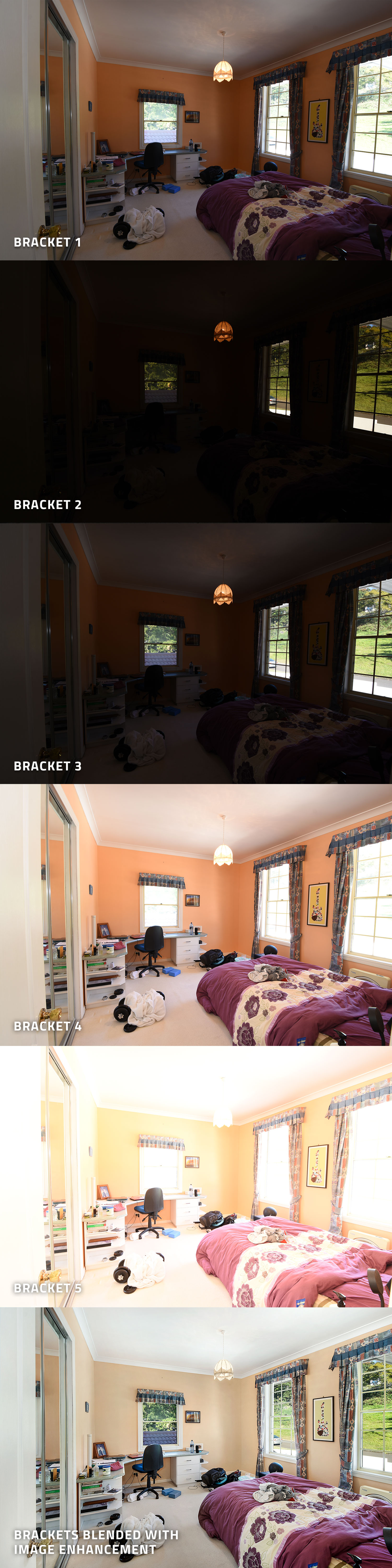
We will be shooting in brackets, meaning the bedroom will be shot in 5 different exposures to allow for our editors to blend them into the one image. When taken at eye level, it allows potential buyers to get a feel for what they will see in the room when they inspect the property in person.
We are big fans of always including the door in the photo, however, if the room doesn’t frame up well with this inclusion, then leave it out. If there is a wall to the walk-in robe in the entry to the bedroom, it’s better to not include the door in the image and take the shot from the corner of the wardrobe so you are not including the wall in your frame. This will ensure an open feel to the finished image.
As a best practice, it’s always encouraged that you move any items back to the original place once you have finished taking all the images.
Editing The Image
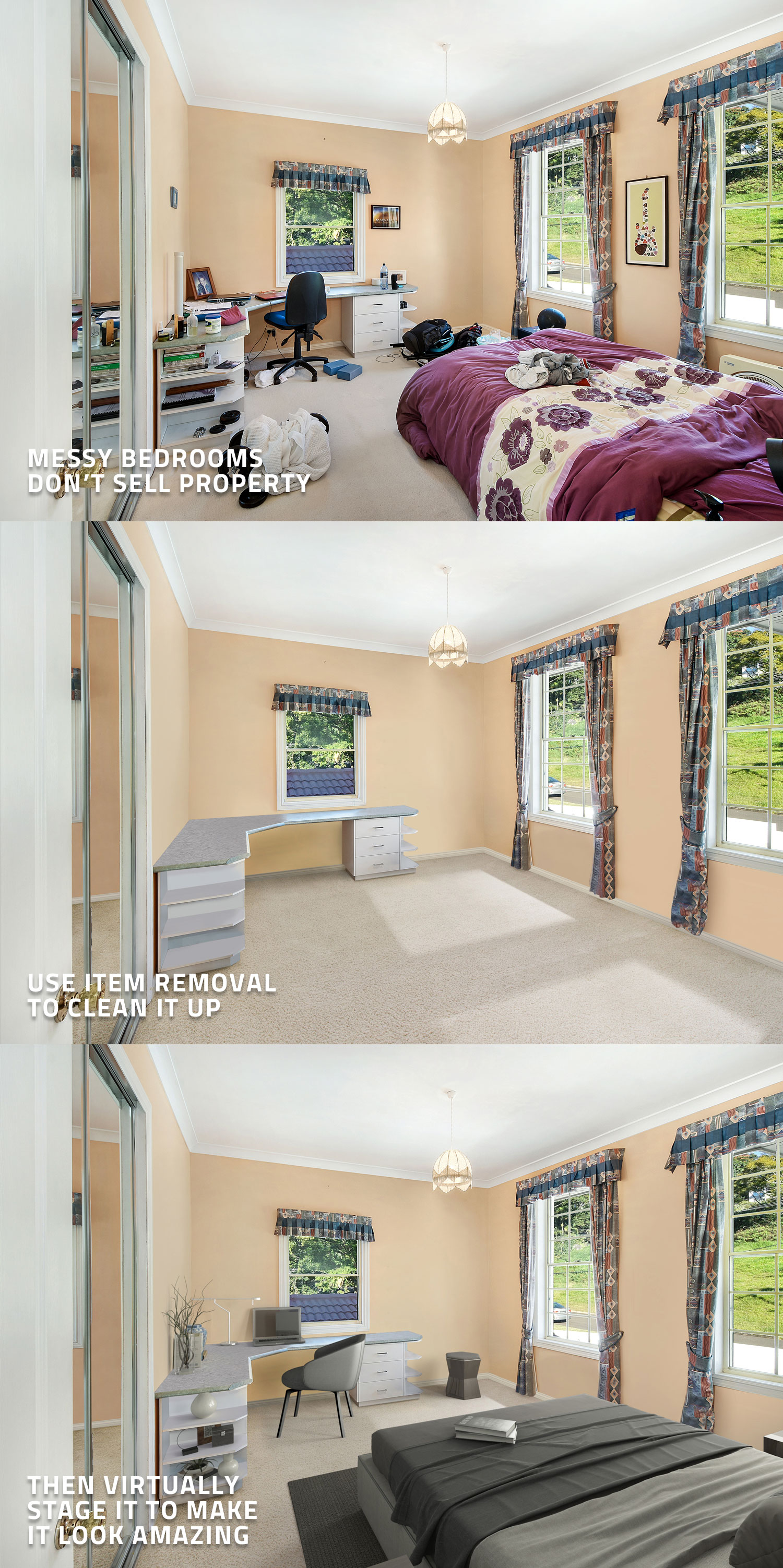
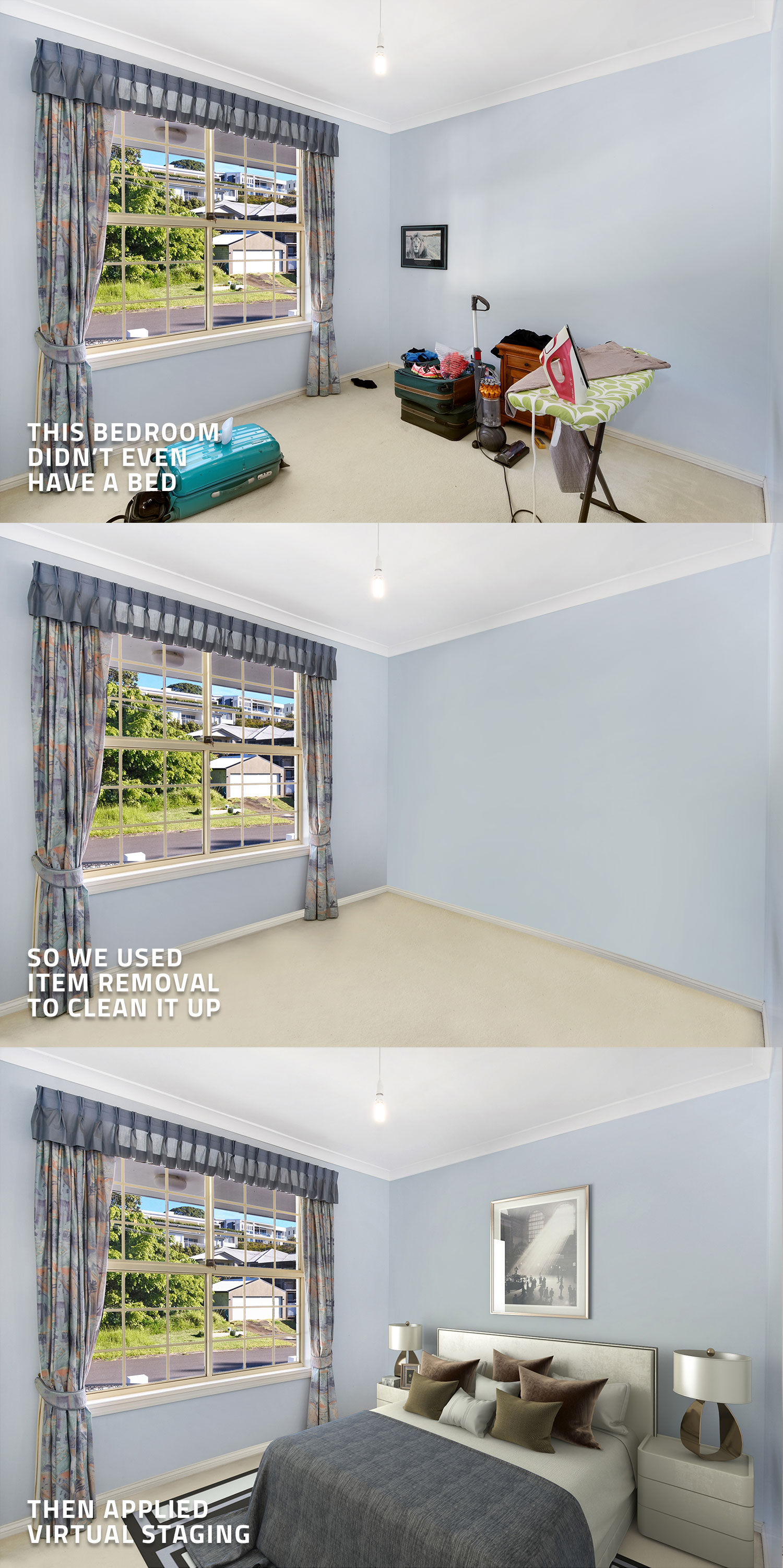
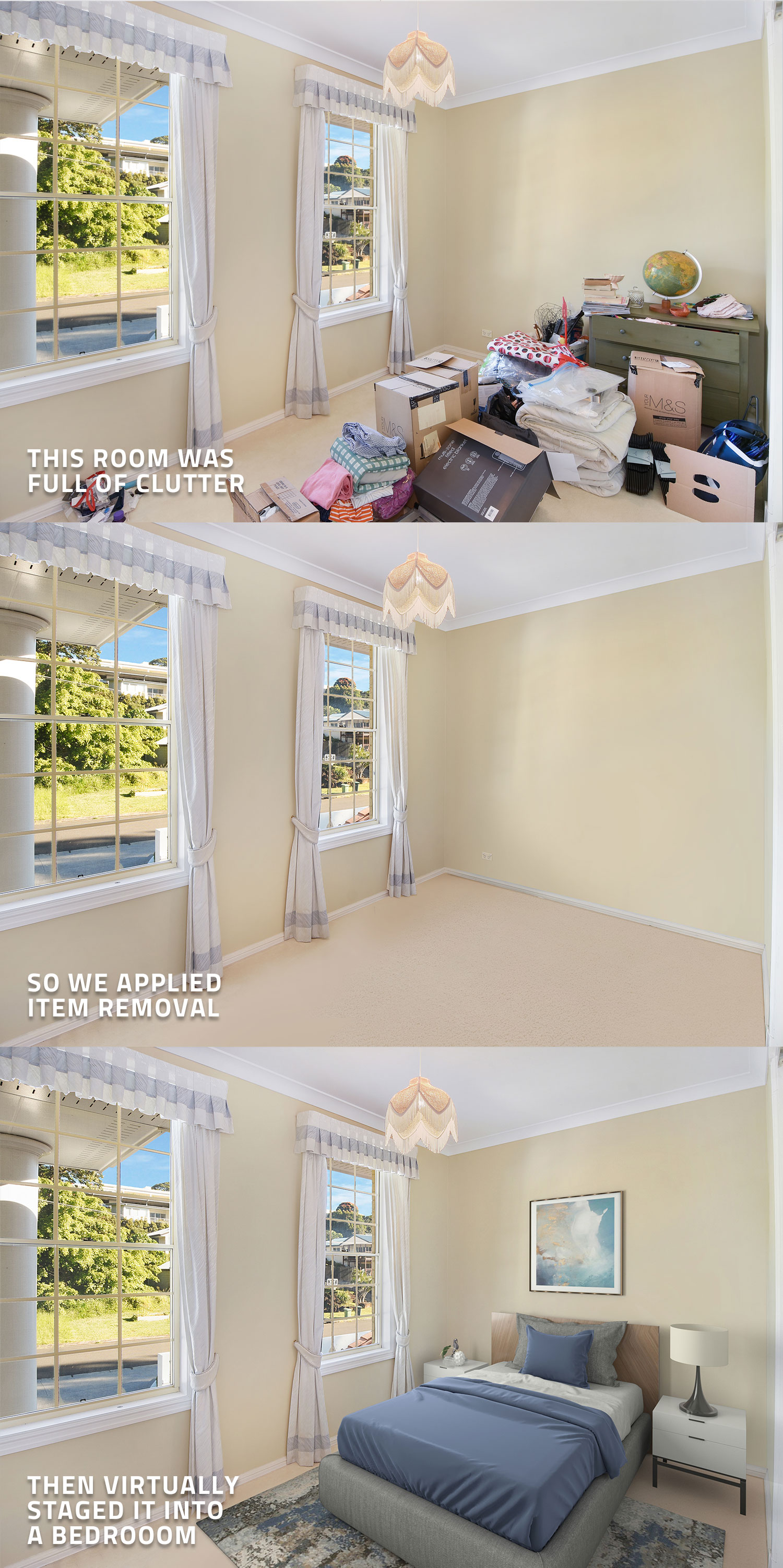
Once all the images have been taken, the editing process can begin. As this job has bracketed images, you will need to submit two separate. Starting by uploading your images through our Image Enhancement edit and select HDR bracketing. Our team of editors will then blend your bracketed images and you will receive the completed images back within 24 hours. Once you have these images, you can now submit a job to our virtual staging edit, make sure you ticked item removal.
Our team will then get started removing all those unwanted items from the shot and replace them with a high-quality virtually staged bedroom.
We hope you have found some value in this blog and a few tips for shooting your next bedroom. For more tutorials, head to our blog page.
RELATED ARTICLES
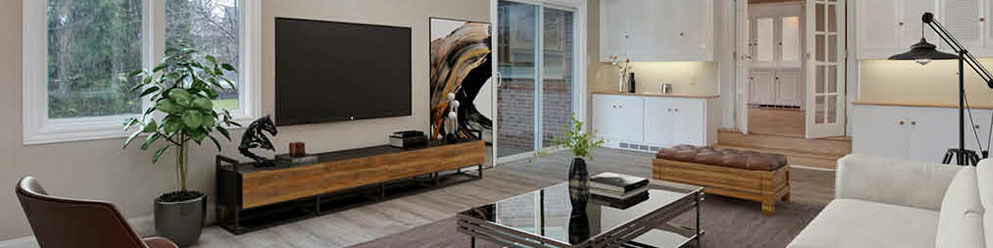
When it comes to selling unfurnished properties, nothing gets the job done like Virtual Staging. Staged properties sell faster and for more money than those that are not. This post shows you how easy it is!
READ MORE
If you think quality, professional real estate images aren’t in your budget – think again! For under $20 you can beautifully showcase a property that will boost listing inquiries and your brand. How? Just follow our how-to guide.
READ MORE
In this blog, we are going to go through a listing for a rental property and make suggestions on how you can take your marketing to the next level.
READ MORE
When leads don't call you back it doesn't necessarily mean you have to amp up the slickness of your sales pitch. Here are some ways to use empathy and education to connect with people and convert leads into clients.
READ MORE
Join our free Make the Switch webinar, and discover how to take high-quality property photos with ease. Learn pro tips, master SnapSnapSnap, and enhance your photography skills to transform your listings and boost results!
READ MORE
Keep vacation rental photos fresh without a full reshoot. See how StayLuxe Properties uses SnapSnapSnap and BoxBrownie.com to shoot photos and get professional edits whenever the home’s furnishings change.
READ MORE