HOW TO SHOOT A 360° VIRTUAL TOUR (IN REAL TIME!)
If you’ve ever thought about creating a Virtual Tour but weren’t sure where to start, you’re not alone. Many agents and hosts assume it’s a complex or expensive process—but it doesn’t have to be.
In this video, BoxBrownie.com co-founder Brad Filliponi takes us behind the scenes as he shoots a real 360° tour of a townhouse. The goal? To show just how simple and approachable the process really is—from setup to final product.
Here’s a closer look at how it works.
The Gear: Simple and Straightforward
To create a 360° tour, all you need is a compact 360° camera like the Ricoh Theta Z1 and a monopod—no extra lighting or bulky gear required. For best results, enable HDR rendering before shooting. This simple setting helps balance bright and dark areas, significantly improving image clarity and overall quality.
Shot by Shot: Working Through the Property
When creating a 360° Virtual Tour, it’s best to move through the property methodically, capturing a photo in each key area—think living room, kitchen, bedrooms, bathrooms, hallways, stairwells, and outdoor spaces.
A few simple tips can make a big difference:
- Keep doors open to highlight flow between rooms
- Shoot from the buyer’s perspective, not just what’s convenient
- Turn off fans, raise blinds, and turn on lights for consistency
- Be mindful of mirrors and reflections to avoid getting in the shot
The whole shoot typically takes just 15–20 minutes. It doesn’t need to be perfect—edits can take care of the rest.
Editing Brings It All Together
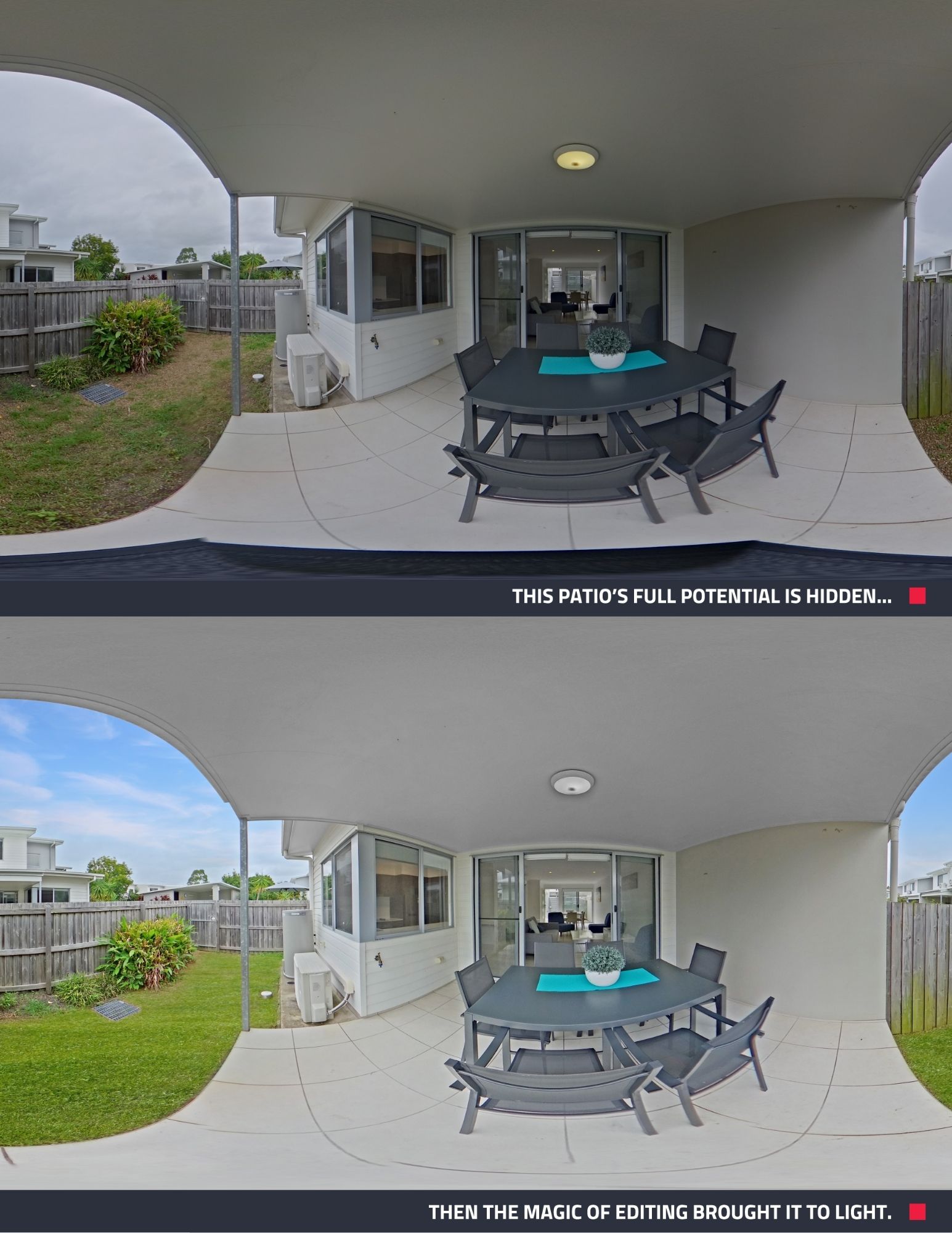
After capturing your 360° photos, head to our Dashboard and upload them for an Image Enhancement job to take your visuals to the next level. This is where the magic happens—skies can be replaced, shadows corrected, reflections removed, and even grass and exterior colors enhanced.
No need to stress about getting the perfect shot in-camera. With the right edits, your images can be transformed into polished, professional-quality visuals that truly stand out.
Assembling the Tour
After your 360° images are submitted, our team enhances them—fixing lighting, skies, shadows, and more. Once the edits are complete, you can upload the improved images into our virtual tour builder. It’s an easy-to-use tool where you can name each scene, set the starting point, connect rooms with navigation arrows, and add your branding or contact info.
The final result? A professional, interactive 360° tour that’s ready to share—typically within 24 hours. Take a look.
Why It’s Worth Trying
Creating a 360° Virtual Tour doesn’t require tech skills or professional photography experience. With the right tools and a bit of planning, it’s easier than you think.
Virtual tours are a powerful way to showcase any space—especially for remote buyers or guests who want to get a true feel for the layout before making a decision. Best of all, they’re quick and affordable to produce.
If you haven’t tried our 360° Image Enhancement yet, now’s the perfect time. Instantly elevate your tours with clearer skies, brighter interiors, and polished details—all for just US$4 per image.
RELATED ARTICLES
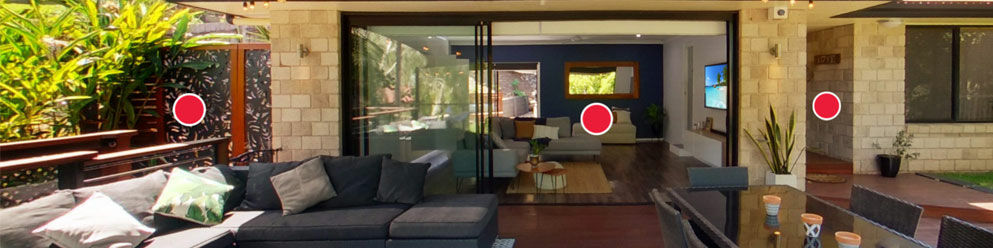
If you're an agent who uses video tours instead of Virtual Tours, your listings might not be attracting the interest they should be. Here we look at why buyers increasingly prefer Virtual Tours over video walkthroughs.
READ MORE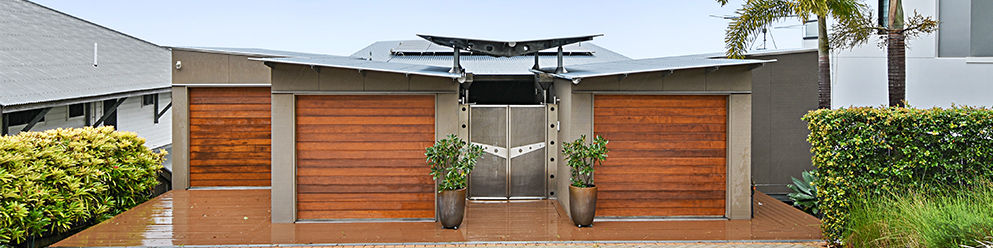
You don't need to wait for ideal weather to shoot a property. Learn these simples tips for shooting in wet weather.
READ MORE
Join BoxBrownie.com’s free monthly Property Marketing Power-Up webinar — a 45-minute session packed with expert tips on creating stunning property listing photos using Image Enhancement, Virtual Staging, Floor Plan Redraws, and more to help you market properties faster and close deals!
READ MORE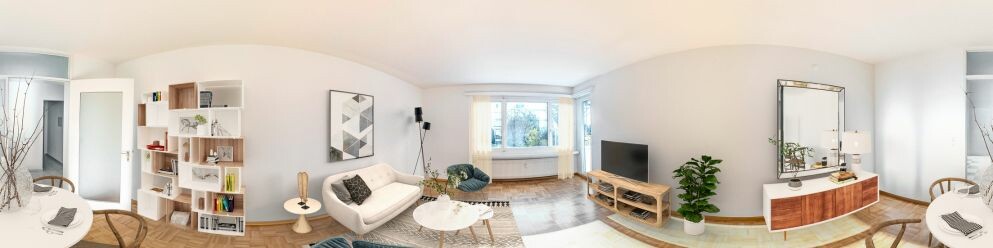
Looking to boost your property marketing? Discover the easiest way to create a Virtual Tour for real estate listings with this step-by-step video guide. From selecting the best 360° camera to editing your photos and creating an interactive experience, Brad covers everything you need to know.
READ MORE
Elevate your property marketing with our new Tailored 3D Floor Plans! These customized floor plans offer unmatched detail and accuracy and are ideal for new constructions, multi-family properties, high-end homes, and top-notch marketing campaigns,
READ MORE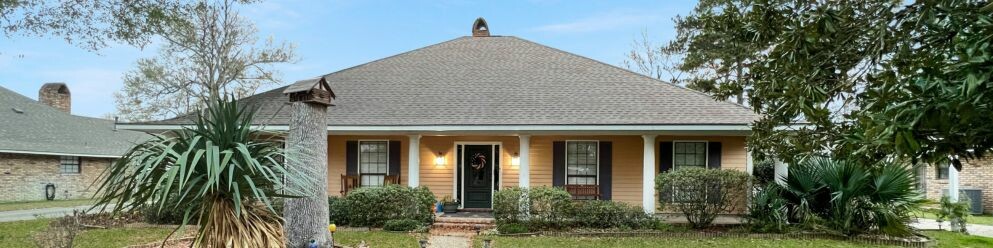
Finished a property shoot only to find the photos aren’t quite right? From a lackluster sky to clutter, dated rooms, or a missed twilight shot, you may not need to reshoot. Discover how to get even more from the photos you already have.
READ MORE