STANDOUT LISTINGS: THE ULTIMATE WAY TO MARKET YOUR PROPERTY
Want to create a property listing that captivates buyers from the very first glance? In our latest video, co-founder Brad Filliponi reveals the key strategies that can make your listings truly stand out. Discover four powerful ways to transform your real estate marketing and showcase properties at their absolute best.
1. Shoot Professional Photos
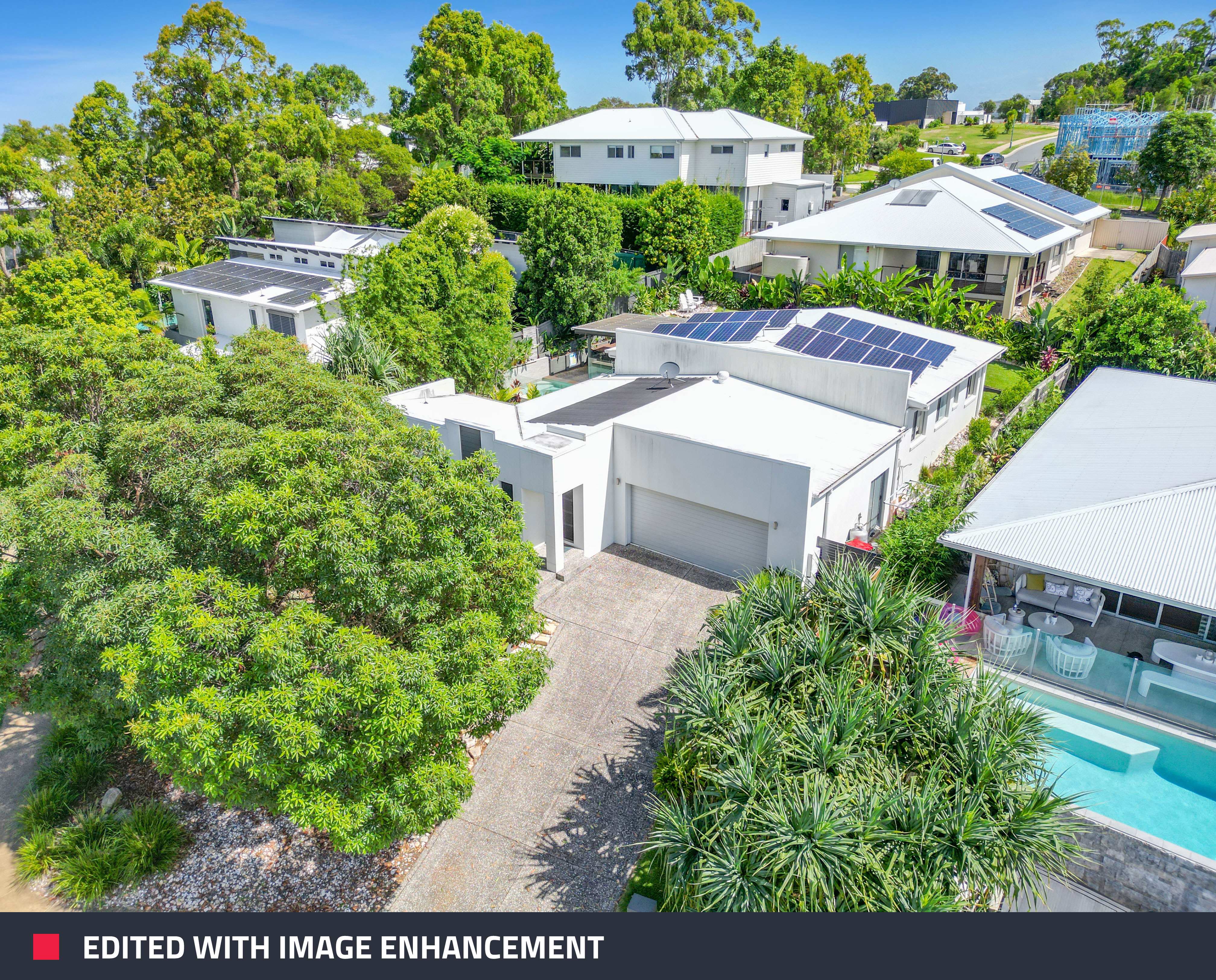
The first step to creating an irresistible listing is to capture professional-quality images. Brad emphasizes the importance of HDR bracketing, a technique that involves taking multiple exposures of the same shot to ensure every detail is captured—especially critical for achieving window clarity.
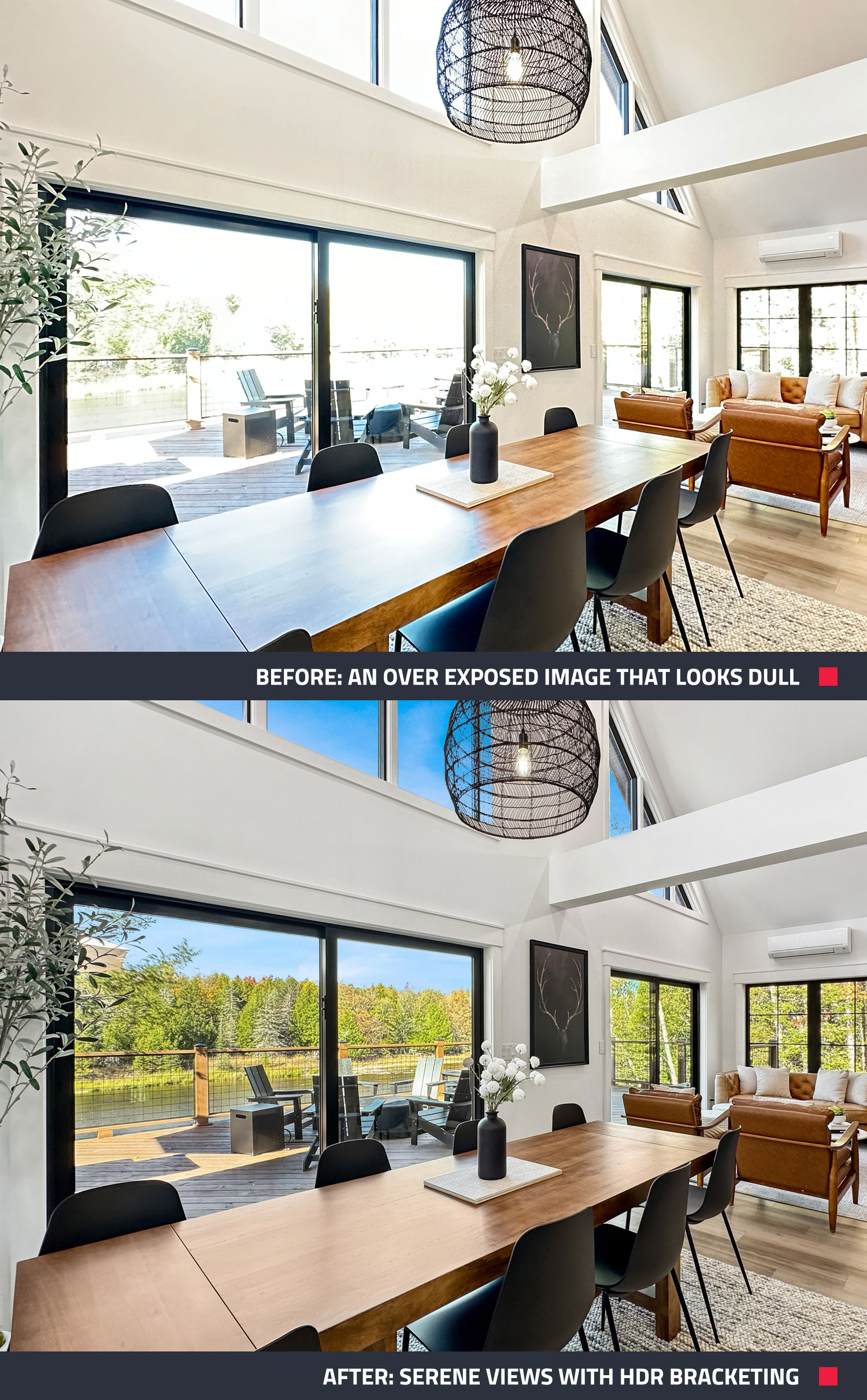
If you’re unsure how to bracket your shots, Brad recommends using the SnapSnapSnap app on your phone, which automates the process. Simply frame your shot, take the photo, and submit your images for Image Enhancement edit through the app. Within 24 hours, you’ll receive beautifully edited photos ready to showcase!
2. Create a Virtual Tour
Virtual tours are becoming a game changer in real estate, offering potential buyers the convenience of viewing properties from their computers. With a 360° camera like the Ricoh Theta X, you can easily create a virtual tour that brings your listing to life.
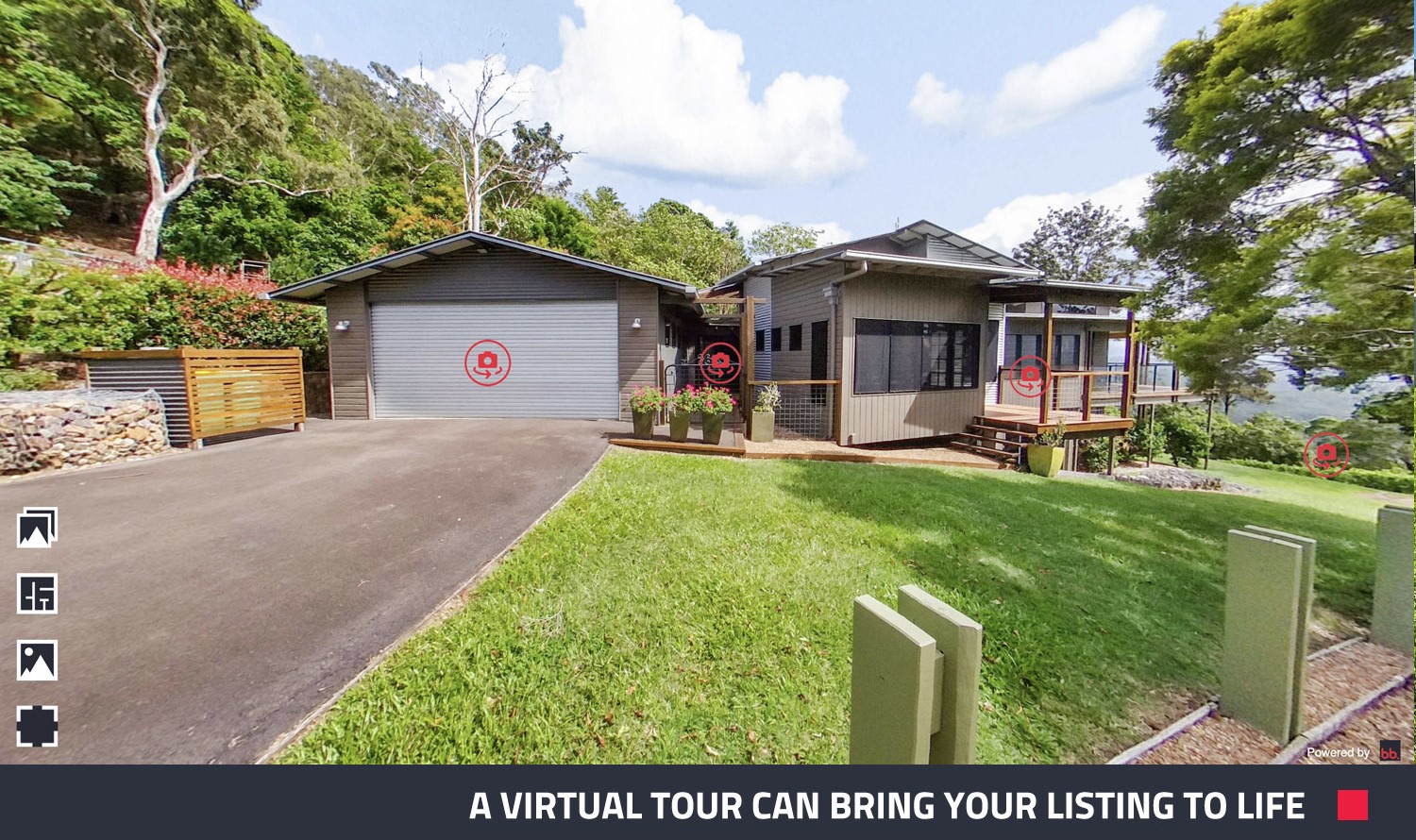
“Virtual tours provide potential buyers with a glimpse of the property from the convenience of their computer screens.” Brad said.
Position your camera in the center of each room, capture the shots, and upload them to BoxBrownie.com. From there, we’ll handle the rest, constructing an immersive virtual tour for your property.
3. Include a Floor Plan
A professional floor plan adds significant value to any listing. The easiest way to get one is to check if the homeowners have builders’ plans or blueprints. You can then submit it to BoxBrownie.com for a Floor Plan Redraw and get a polished and professional Floor Plan ready for marketing.
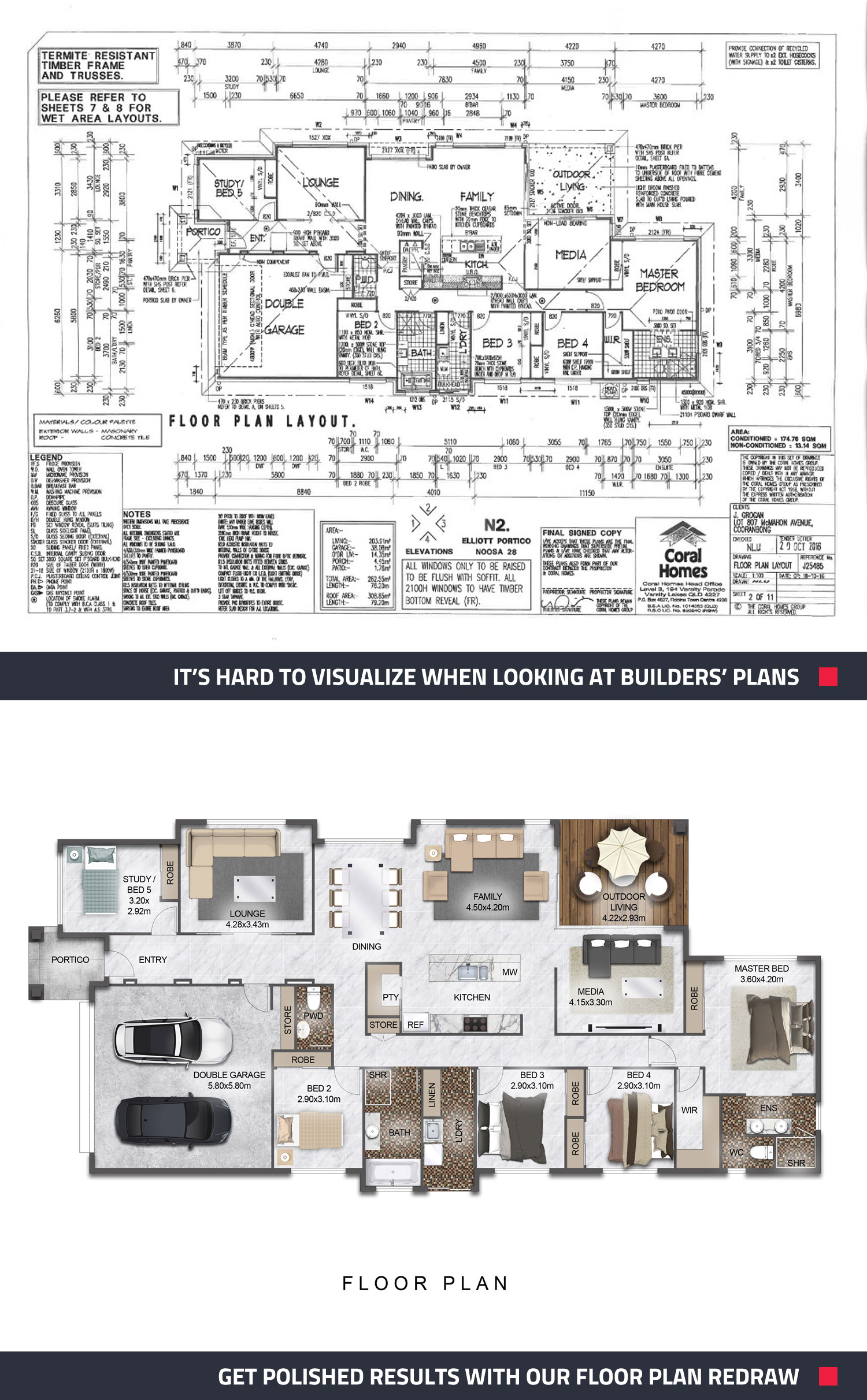
“We even have the option to brand your floor plan—whether you’re with RE/MA, Century 21, or Keller Williams.” Brad said.
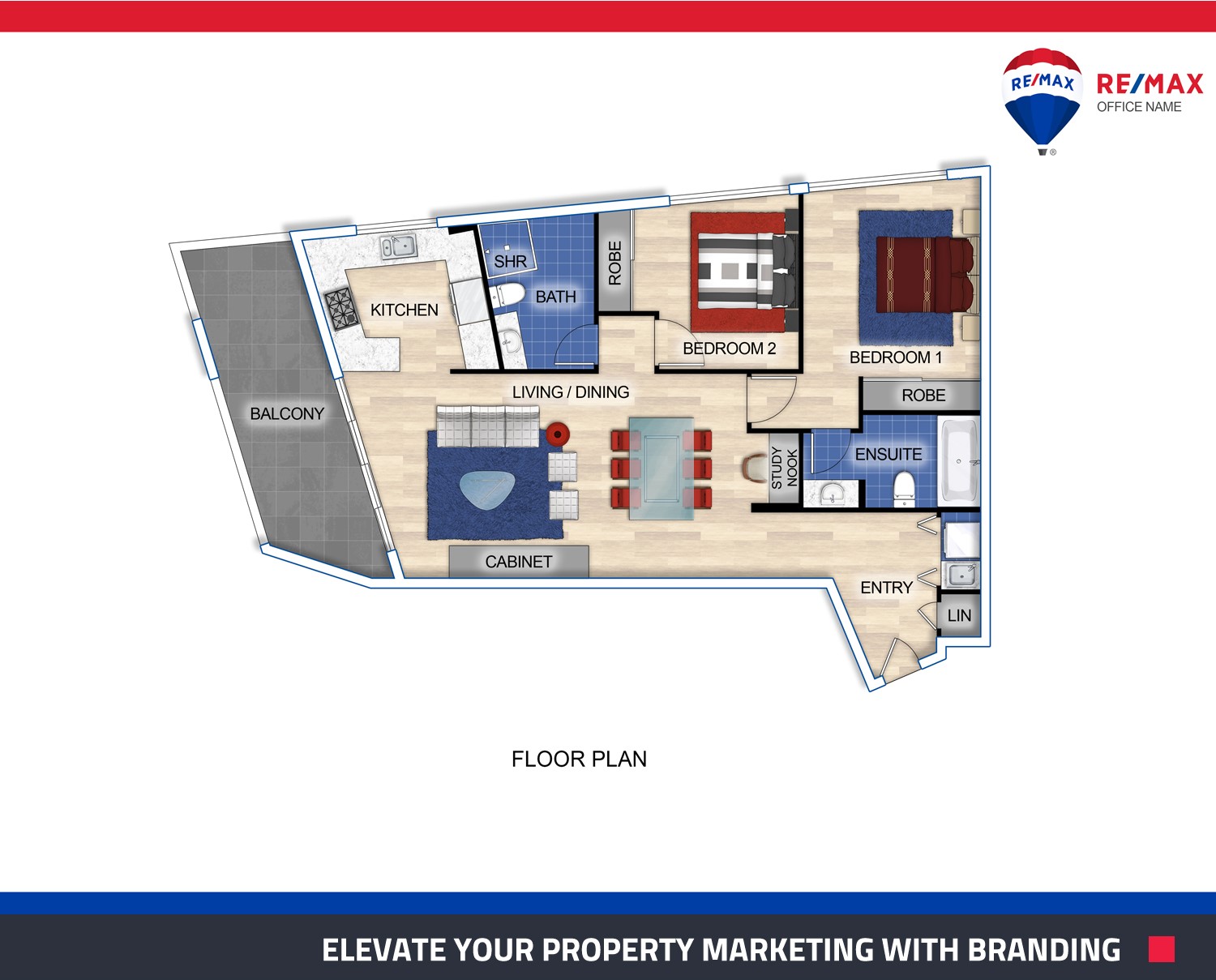
No blueprints? No problem! Use a laser measurer and graph pad to create a floor plan from scratch. Brad has an in-depth tutorial for this process if you need a helping hand.
4. Shoot Your Property with a Drone
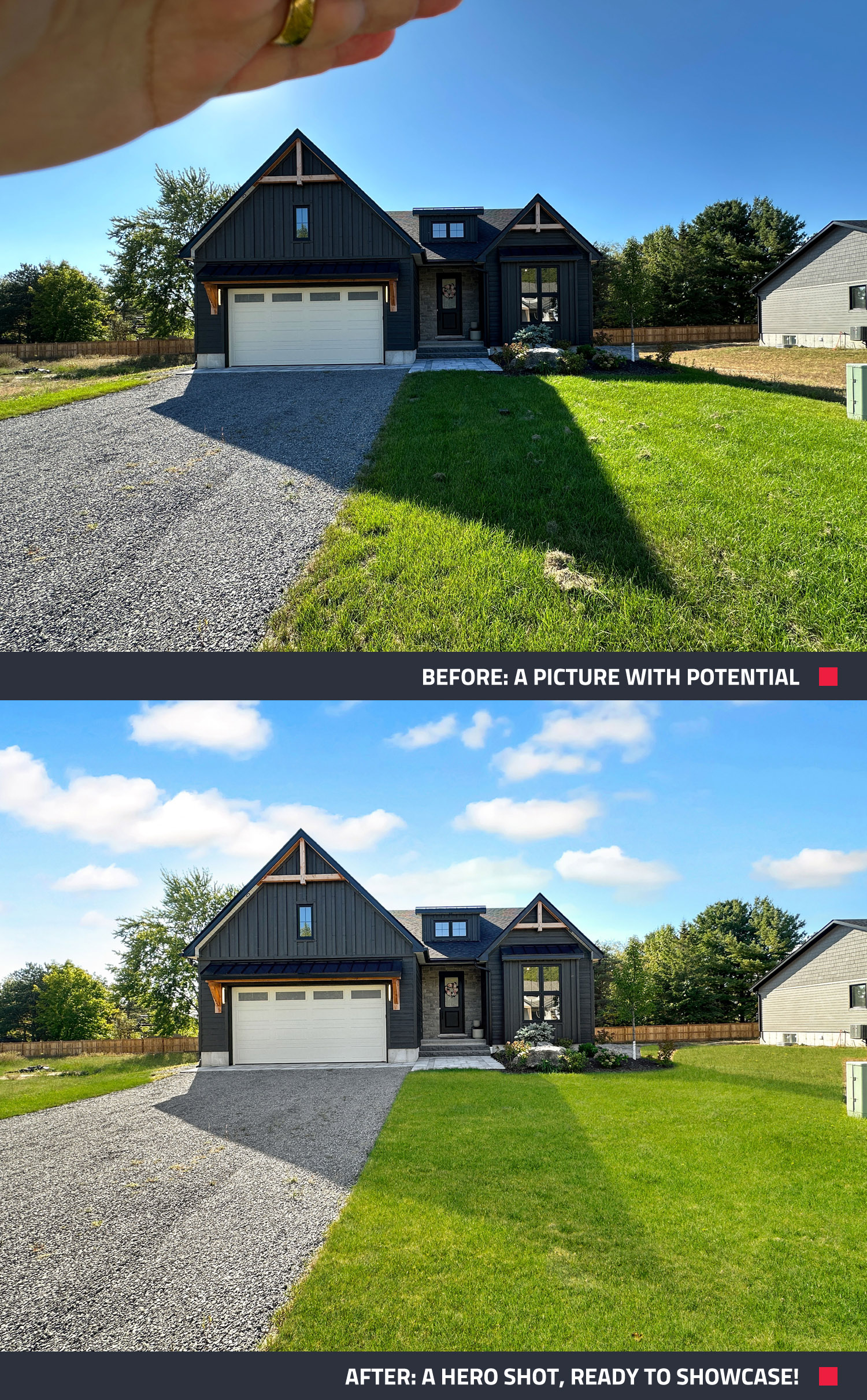
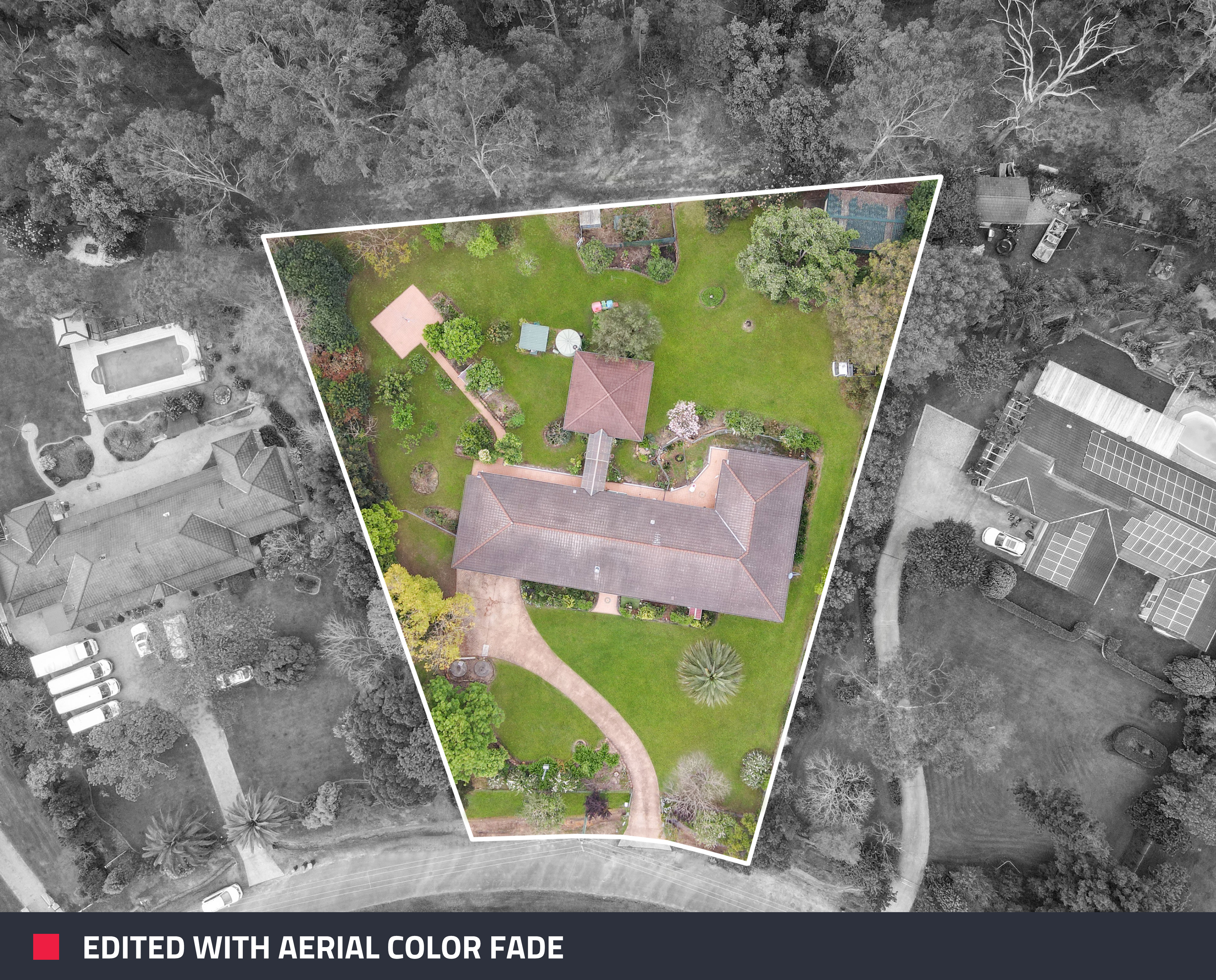
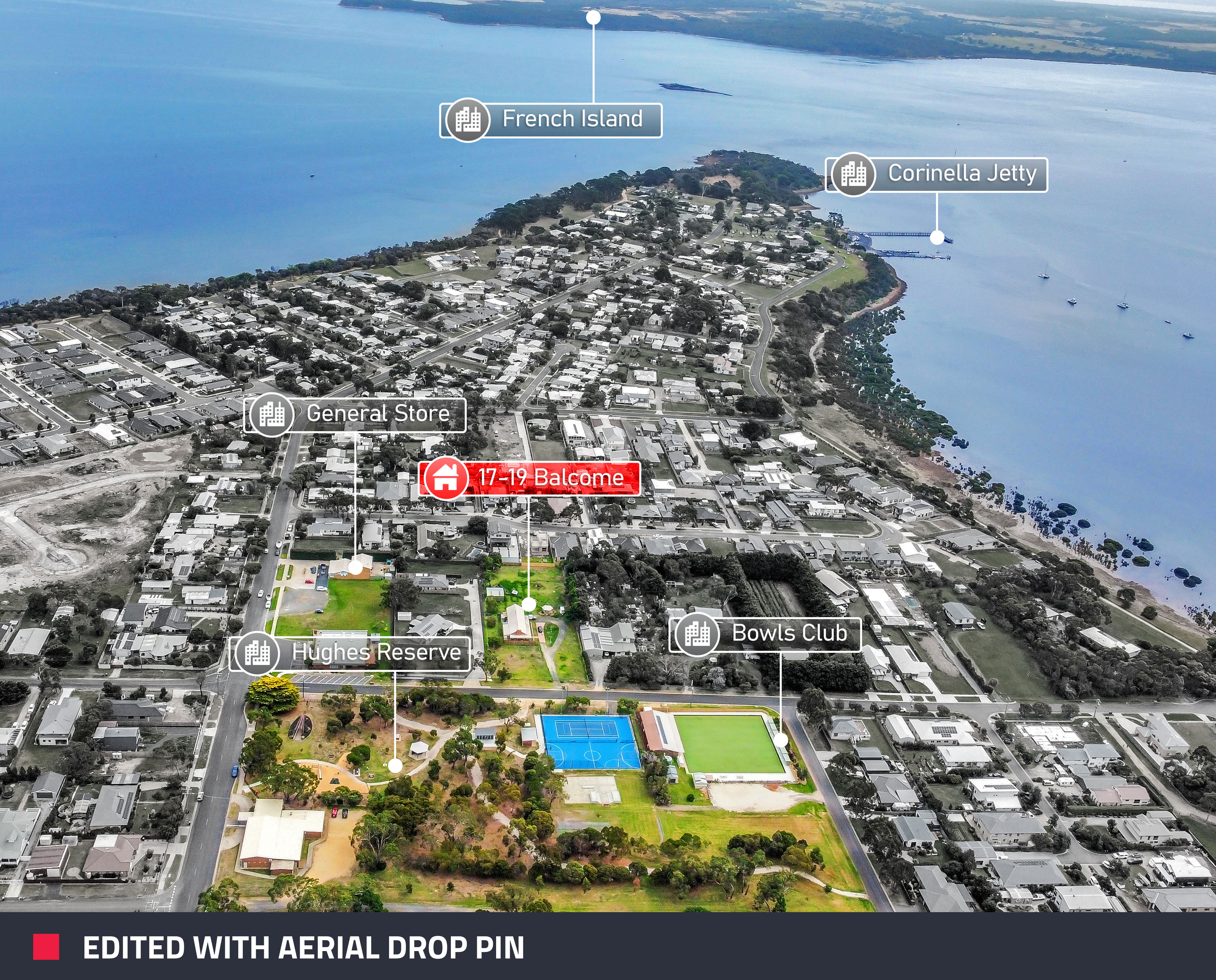
Aerial shots are a surefire way to make your property stand out. Brad’s drone of choice is the DGI Mini Pro 3—it’s high-quality, user-friendly, and affordable at around $600. If you are not sure where to begin, here’s a detailed guide to help you shoot your property photography with a drone. Don’t worry too much if the picture is not perfect, as this can be edited using the Image Enhancement service. Once you have taken your photos, our Aerial Editing service will help show potential buyers a unique view of the property, presenting all land, gardens, and general locations in just one photo.
When capturing aerial shots, Brad suggests focusing on three key angles:
1. The front of the property (especially if there’s a sloped driveway)
2. An overhead shot showing the lot size
3. A suburb profile to highlight nearby amenities like parks, schools, and beaches.
Conclusion: Create a Standout Listing Today
With these four features—professional photos, a virtual tour, floor plans, and drone shots—you can create a killer listing that attracts buyers and gets your property sold fast. How many of these features are you already using?
Ready to take your listing to the next level? Sign up to BoxBrownie.com and get 4 free photo edits to elevate your marketing game!
RELATED ARTICLES

What’s in store for 2023? Find out what’s forecast for the year ahead and what real estate experts are predicting, plus the 10 markets that are set to boom in 2023.
READ MORE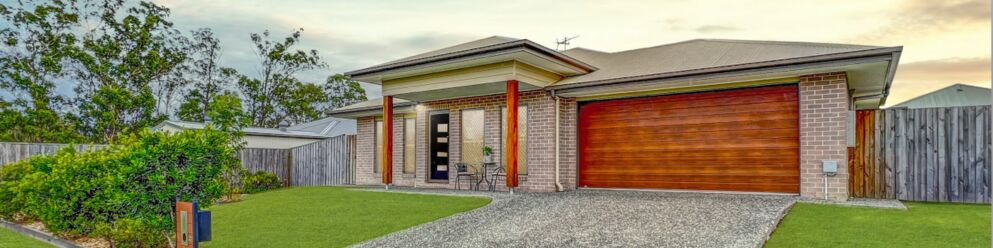
Attention to all real estate professionals who prefer the DIY approach when it comes to property photos! Check out this blog for five simple tips that you can start using today to take your real estate photography from good to amazing.
READ MORE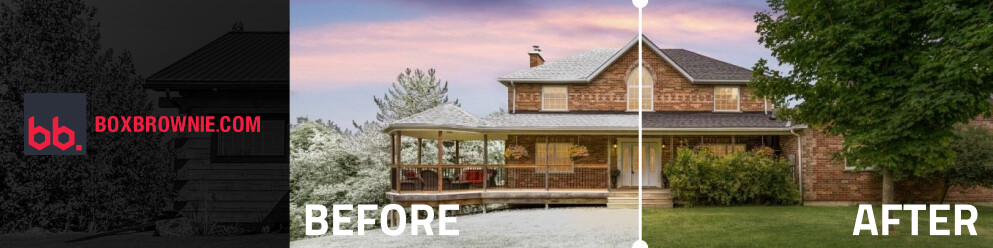
Winter, spring, summer, fall – this edit has it all! Our Season Change edit is back, now part of our Virtual Renovation service. Digitally swap seasons in your property photos to boost curb appeal, keep listings fresh and more. See how your listings can shine in any season!
READ MORE
Agents across the globe swear by the power of Virtual Staging, but many don't realize they can shoot these images with their own smartphone. This post walks you through just how easy it is, so you'll never be deprived of this phenomenal marketing tool.
READ MORE
Gotta see it to believe it! Our Virtual Renovation service can transform even an old shed into a stunning Air BnB rental. If you have unused space on your property, this post can show you how to turn that emptiness into income.
READ MORE
Want to make any property look bigger and more appealing? Check out this blog for seven super simple photography tips to instantly transform your space. Learn how to capture stunning photos that will attract more buyers or renters!
READ MORE